Compute · KubeVirt

Virtualization infrastructure

Manage and monitor cluster-wide KubeVirt resources, capacity, and health from a single dashboard. aligned with how operators actually run VMs on Kubernetes.

Product walkthrough

See it in Cloud Admin

Screens from the live product, with a short note on when you would open each view.

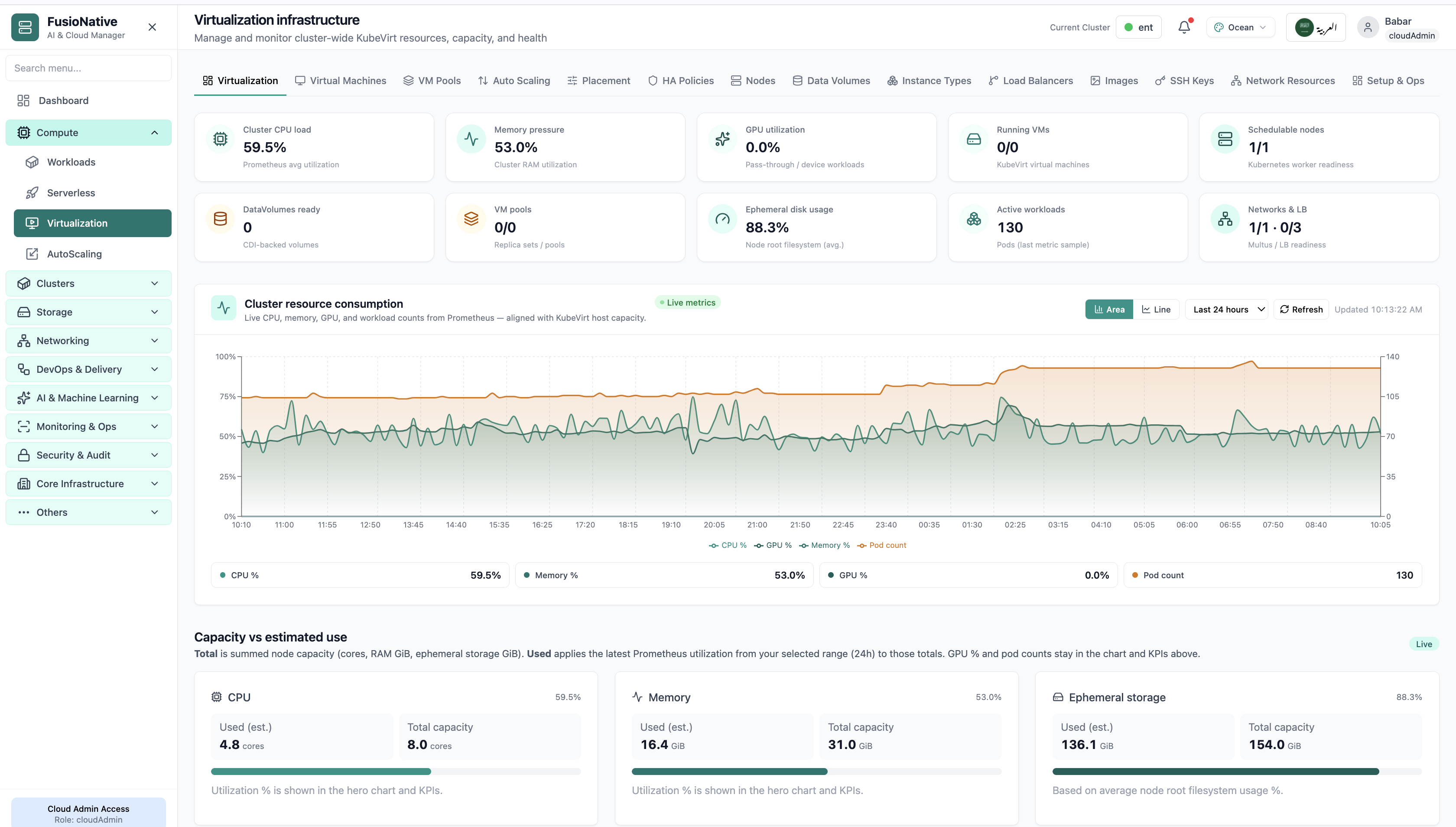
Your starting point for KubeVirt virtualization: KPI cards and charts summarize fleet health, including kubevirt kpis and resource consumption chart. Spot drift early, then drill into the tab that explains the root cause.
01of 14Cloud Admin

Virtualization dashboard

Your starting point for KubeVirt virtualization: KPI cards and charts summarize fleet health, including kubevirt kpis and resource consumption chart. Spot drift early, then drill into the tab that explains the root cause.

  • KPI strip shows the numbers leadership cares about first
  • Charts link utilization to time so you spot spikes quickly
  • One click into deeper tabs when something looks off

Click the screenshot to open full size, zoom, and pan.
Virtual machines tab with create VM action.
02of 14Cloud Admin

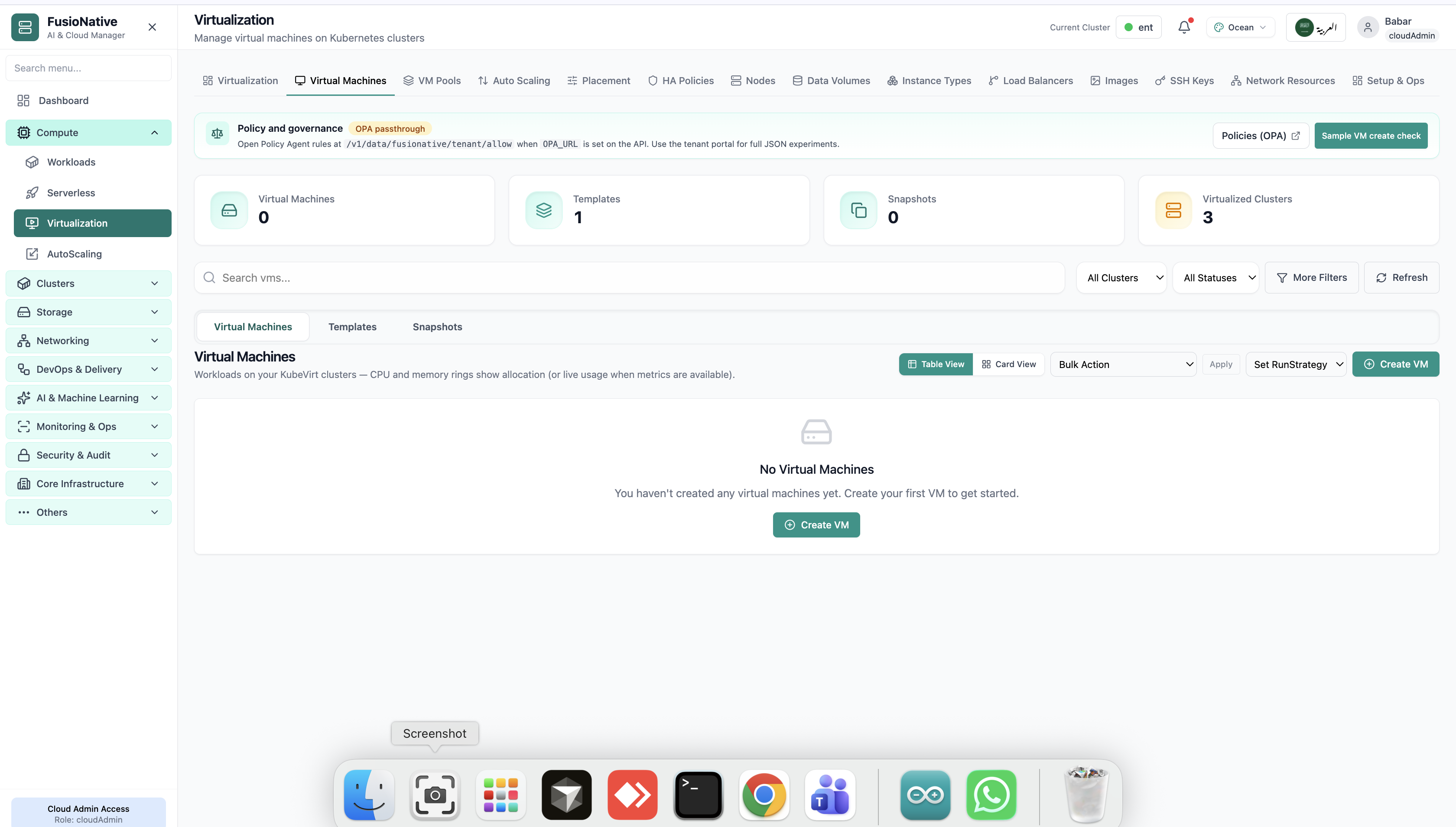
Virtual Machines

Virtual machines tab with create VM action.

  • Same layout your operators see in production
  • Click to zoom in
  • Works alongside the rest of Cloud Admin

Click the screenshot to open full size, zoom, and pan.
Create VM wizard basics step.
03of 14Cloud Admin

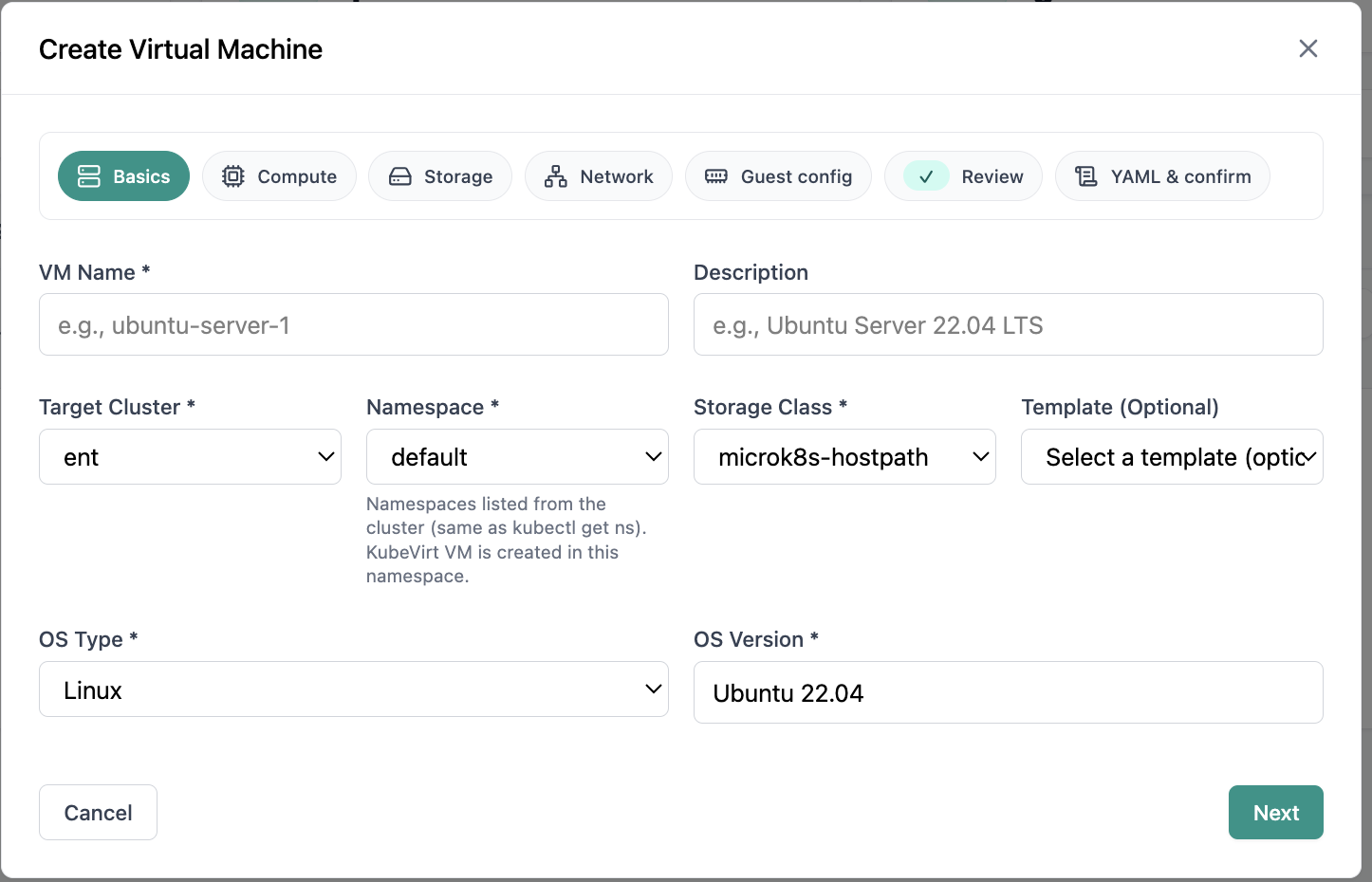
Create Virtual Machine

Create VM wizard basics step.

  • Same layout your operators see in production
  • Click to zoom in
  • Works alongside the rest of Cloud Admin

Click the screenshot to open full size, zoom, and pan.
Virtual machine pools management.
04of 14Cloud Admin

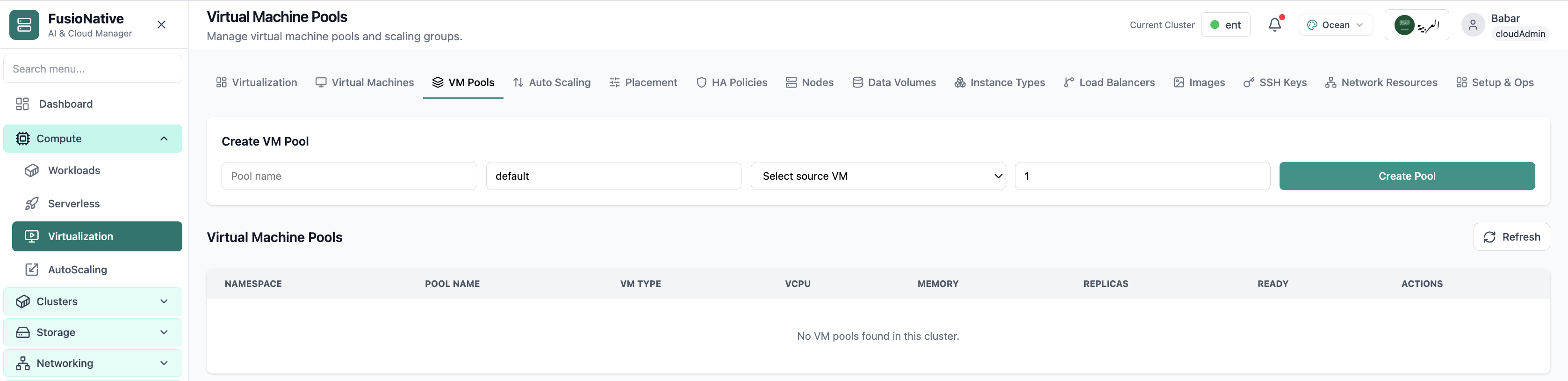
VM Pools

Virtual machine pools management.

  • Same layout your operators see in production
  • Click to zoom in
  • Works alongside the rest of Cloud Admin

Click the screenshot to open full size, zoom, and pan.
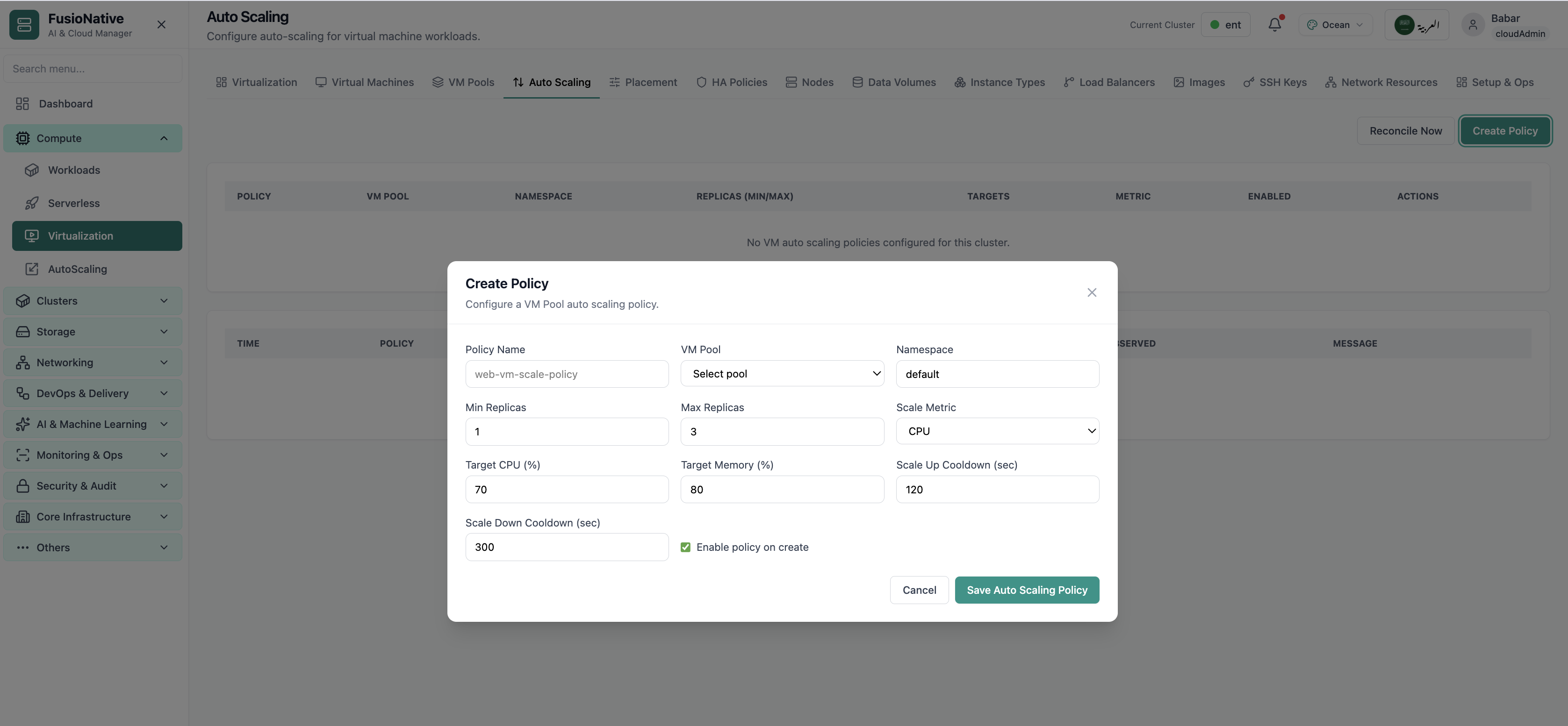
Virtualization auto scaling settings.
05of 14Cloud Admin

VM Auto Scaling

Virtualization auto scaling settings.

  • Same layout your operators see in production
  • Click to zoom in
  • Works alongside the rest of Cloud Admin

Click the screenshot to open full size, zoom, and pan.
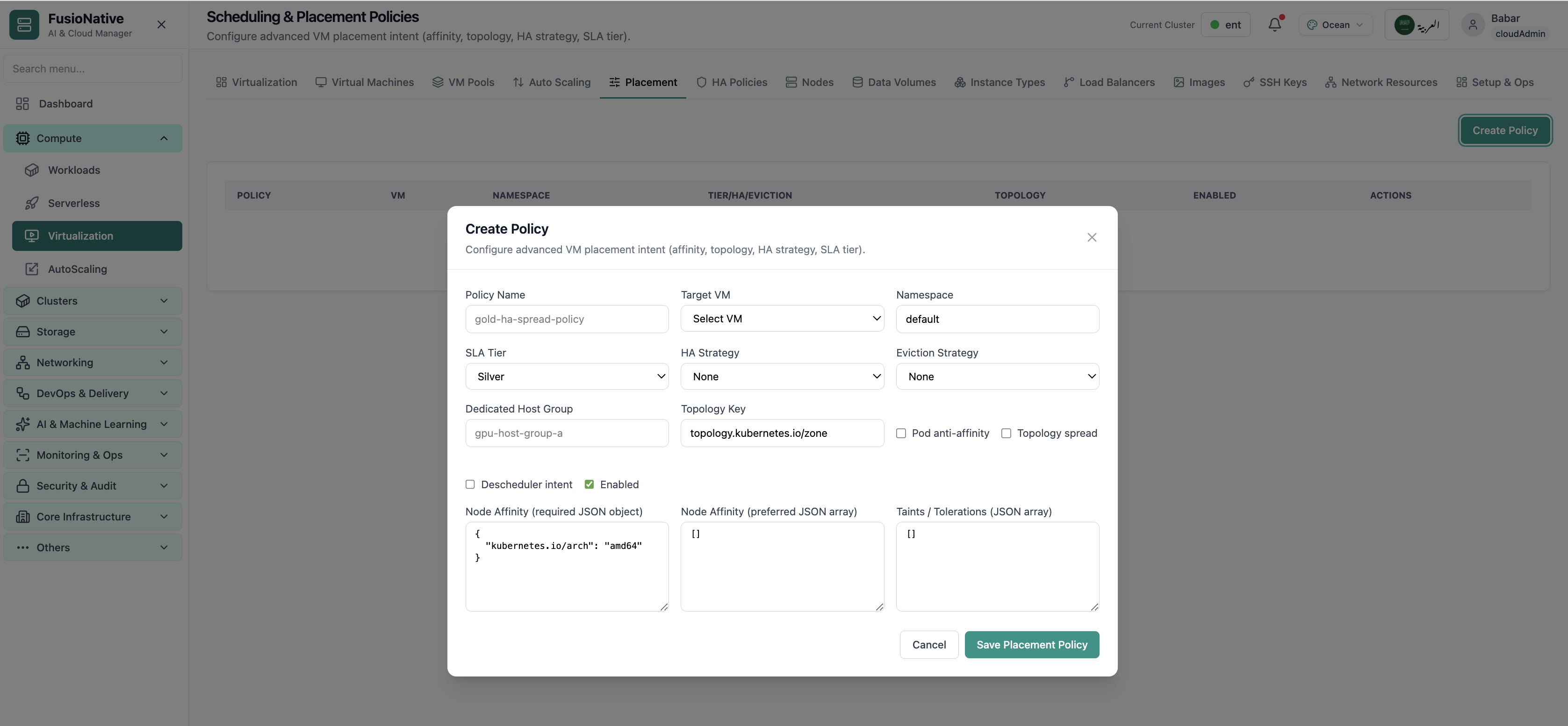
Scheduling and placement policies.
06of 14Cloud Admin

Scheduling Policies

Scheduling and placement policies.

  • Same layout your operators see in production
  • Click to zoom in
  • Works alongside the rest of Cloud Admin

Click the screenshot to open full size, zoom, and pan.
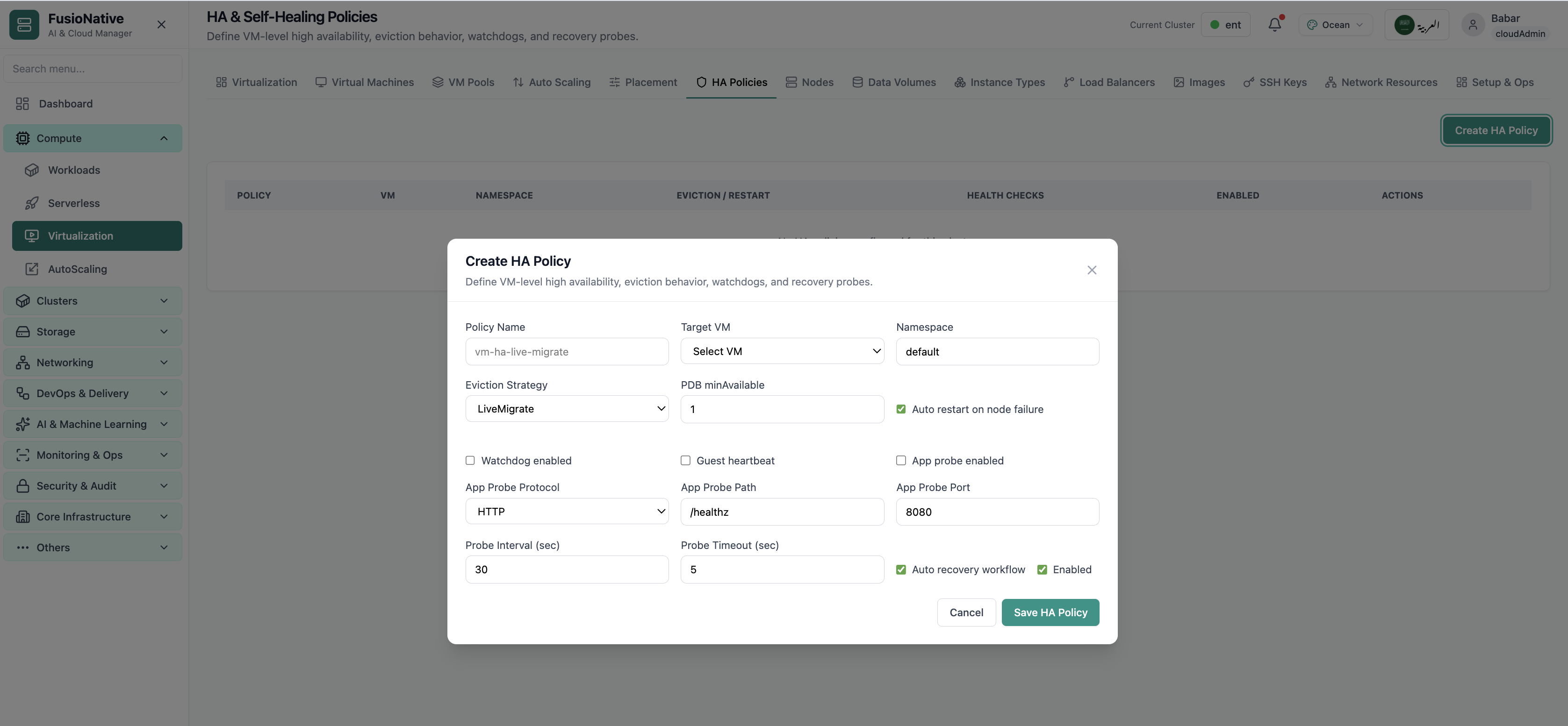
High availability and self-healing policies.
07of 14Cloud Admin

HA Policies

High availability and self-healing policies.

  • Same layout your operators see in production
  • Click to zoom in
  • Works alongside the rest of Cloud Admin

Click the screenshot to open full size, zoom, and pan.
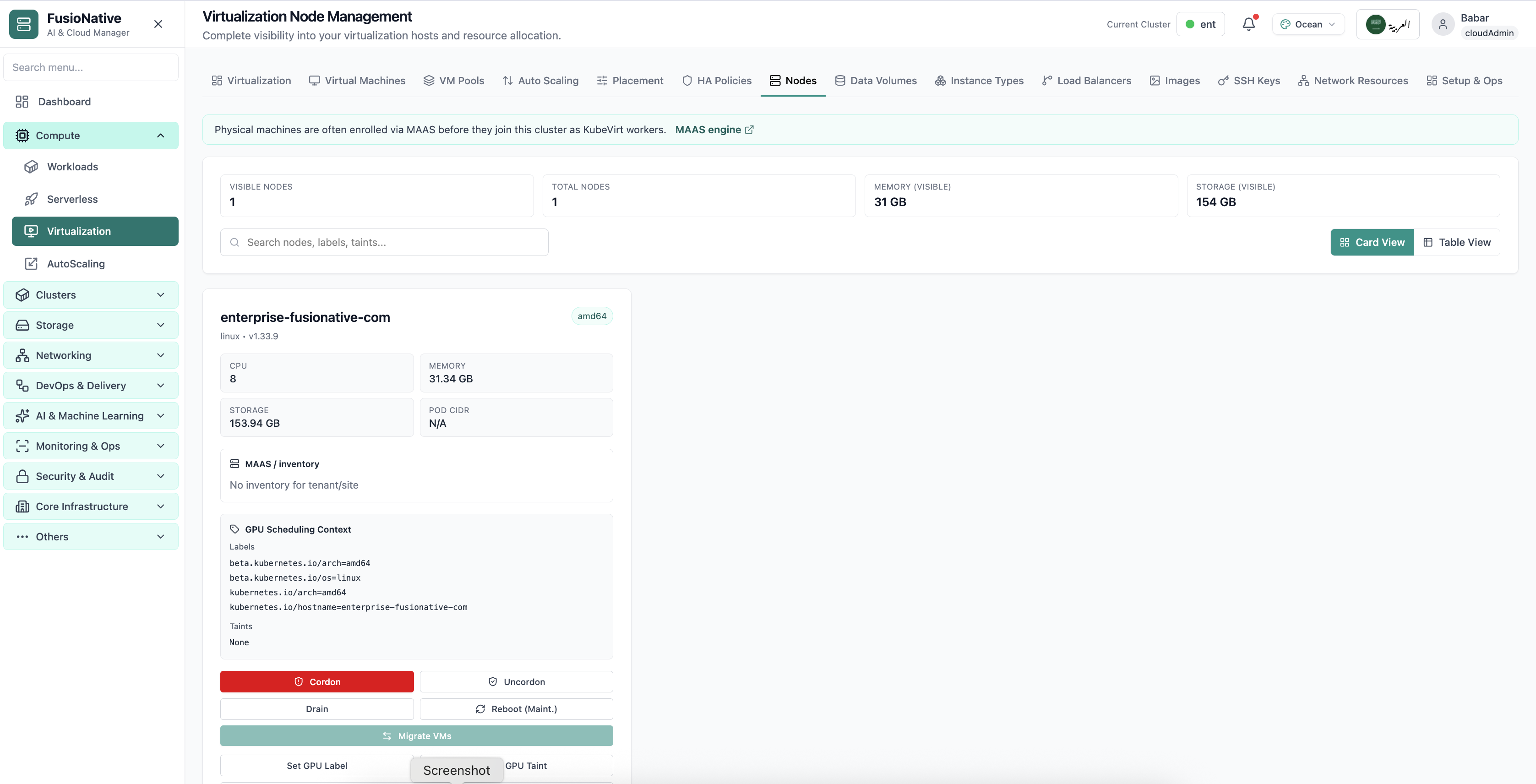
Virtualization node management.
08of 14Cloud Admin

Node Management

Virtualization node management.

  • Same layout your operators see in production
  • Click to zoom in
  • Works alongside the rest of Cloud Admin

Click the screenshot to open full size, zoom, and pan.
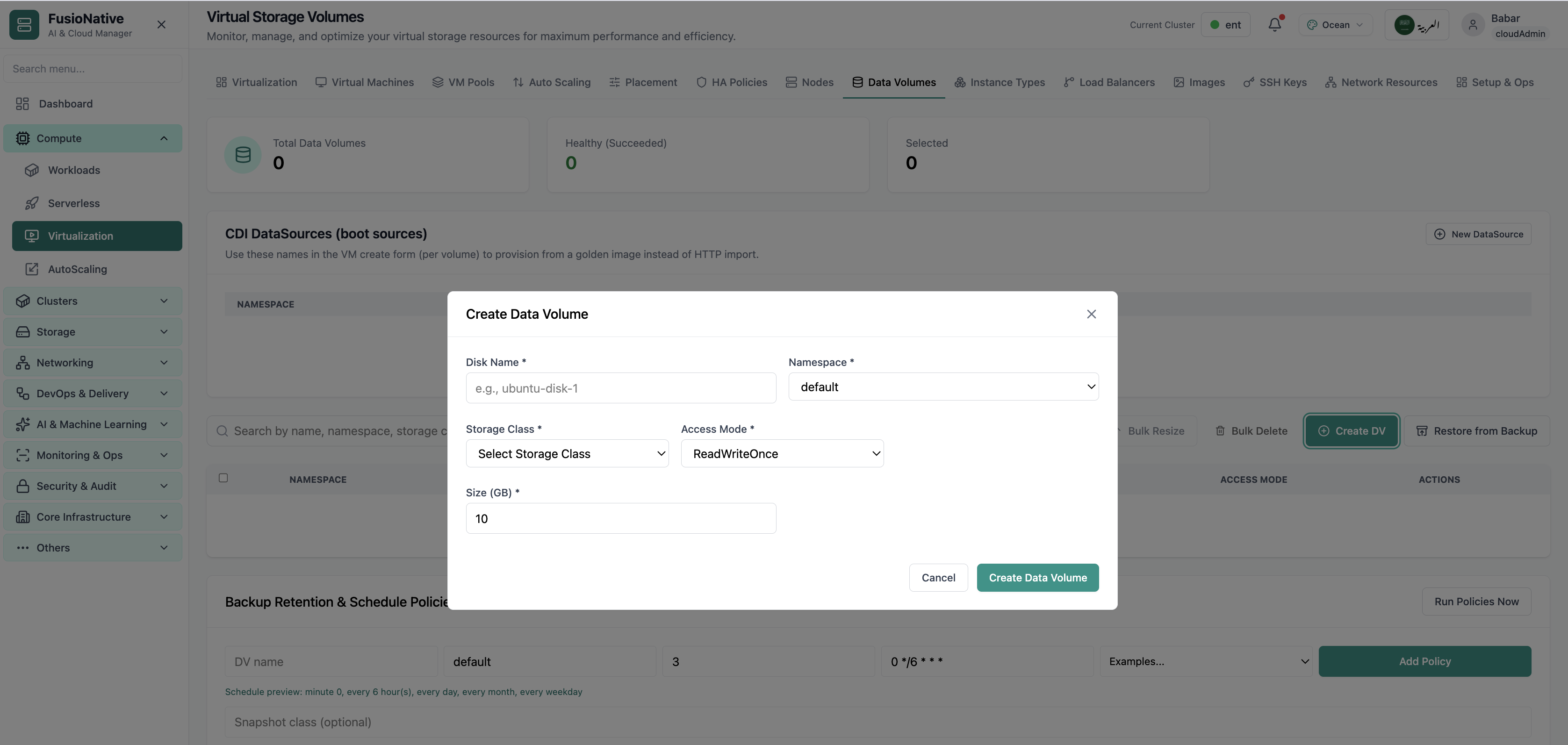
Virtual storage volumes.
09of 14Cloud Admin

Virtual Storage

Virtual storage volumes.

  • Same layout your operators see in production
  • Click to zoom in
  • Works alongside the rest of Cloud Admin

Click the screenshot to open full size, zoom, and pan.
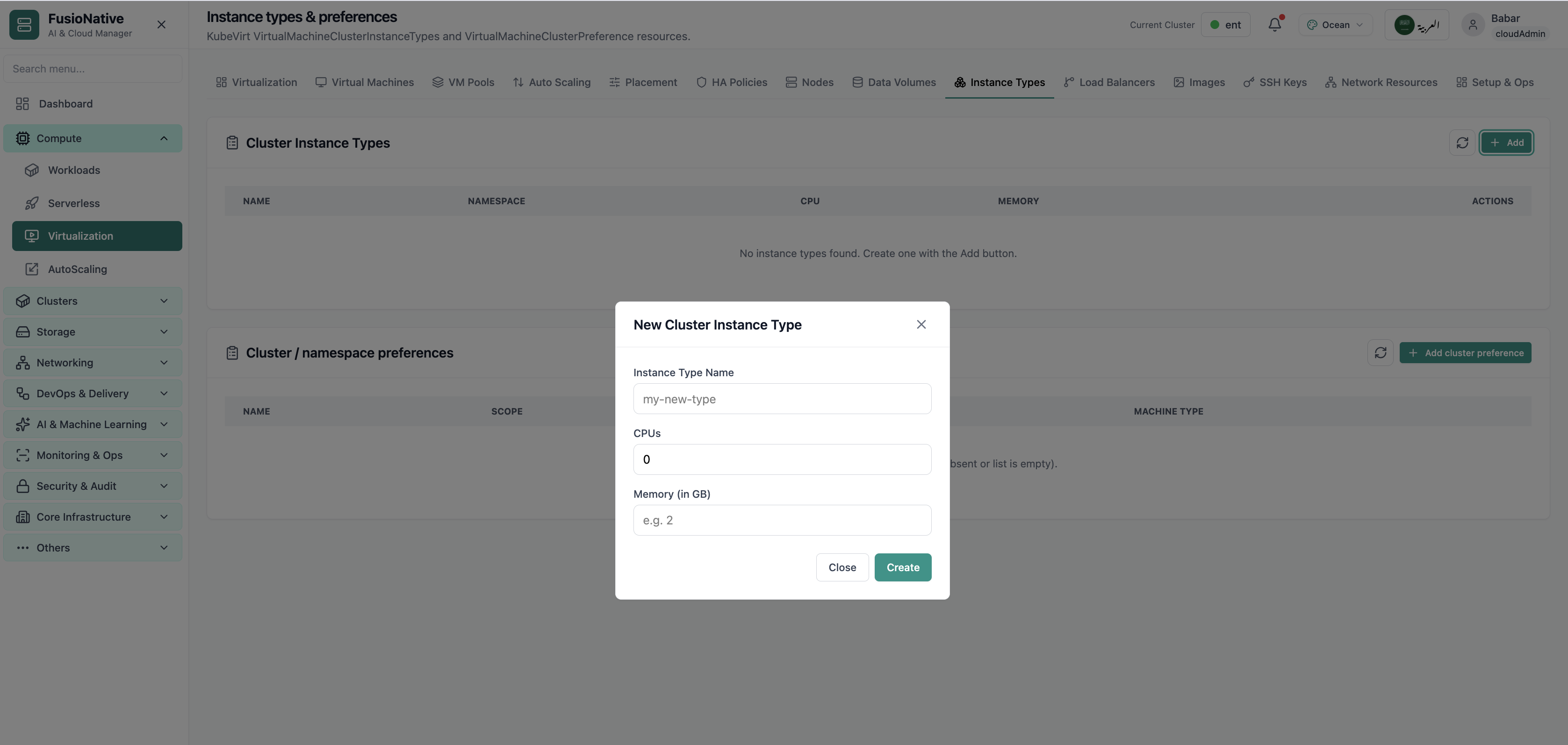
Instance types and preferences.
10of 14Cloud Admin

Instance Types

Instance types and preferences.

  • Same layout your operators see in production
  • Click to zoom in
  • Works alongside the rest of Cloud Admin

Click the screenshot to open full size, zoom, and pan.
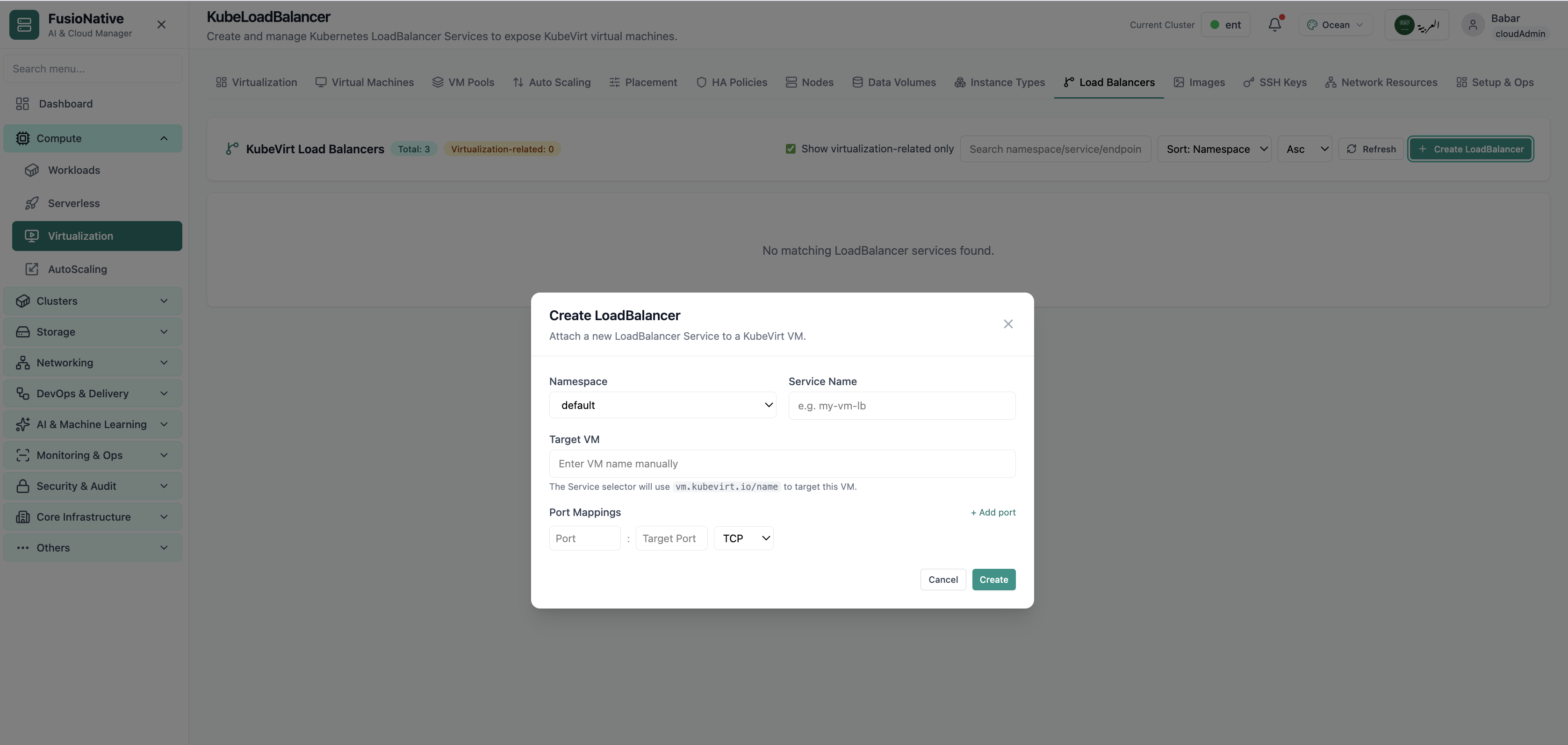
KubeLoadBalancer configuration.
11of 14Cloud Admin

KubeLoadBalancer

KubeLoadBalancer configuration.

  • Same layout your operators see in production
  • Click to zoom in
  • Works alongside the rest of Cloud Admin

Click the screenshot to open full size, zoom, and pan.
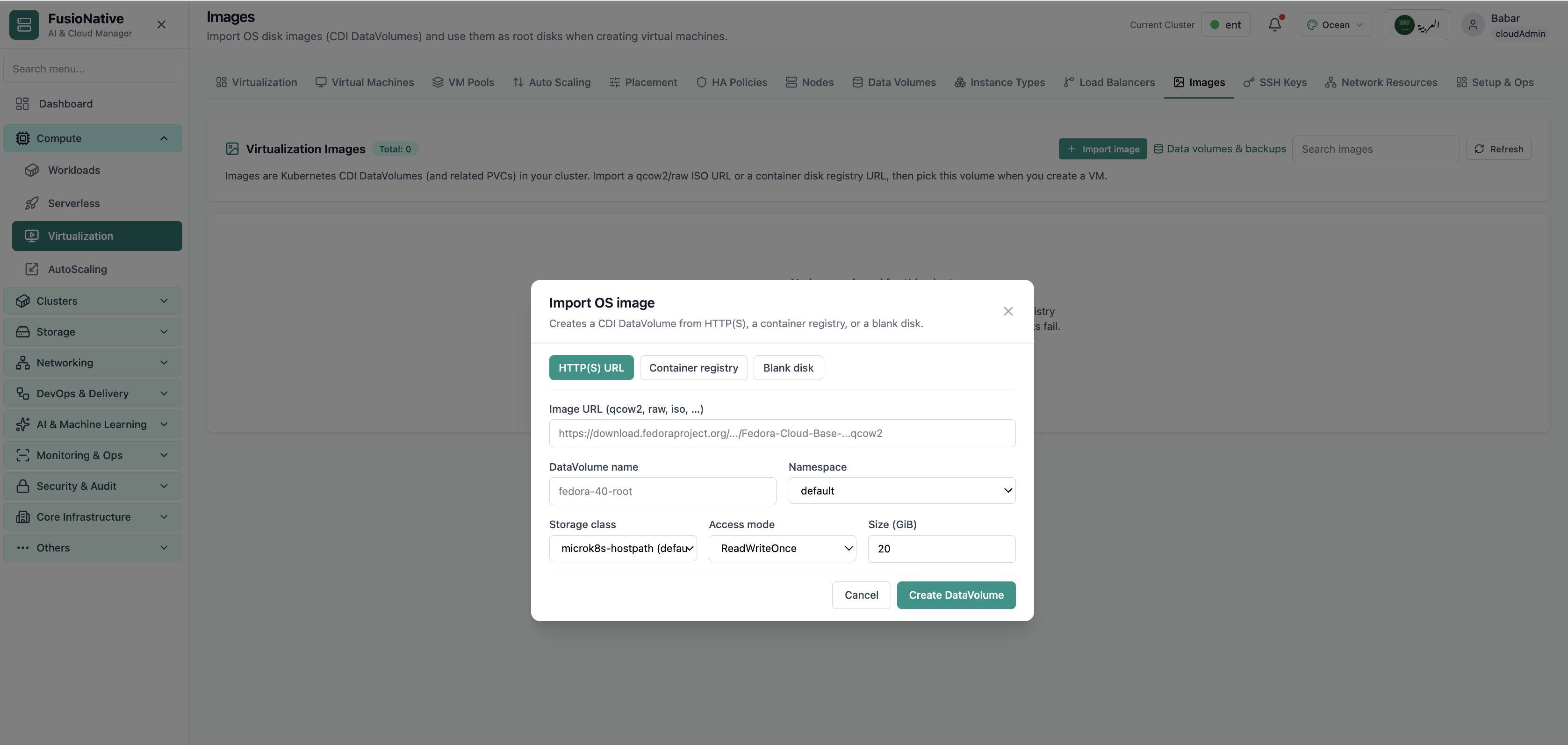
VM images catalog.
12of 14Cloud Admin

Images

VM images catalog.

  • Same layout your operators see in production
  • Click to zoom in
  • Works alongside the rest of Cloud Admin

Click the screenshot to open full size, zoom, and pan.
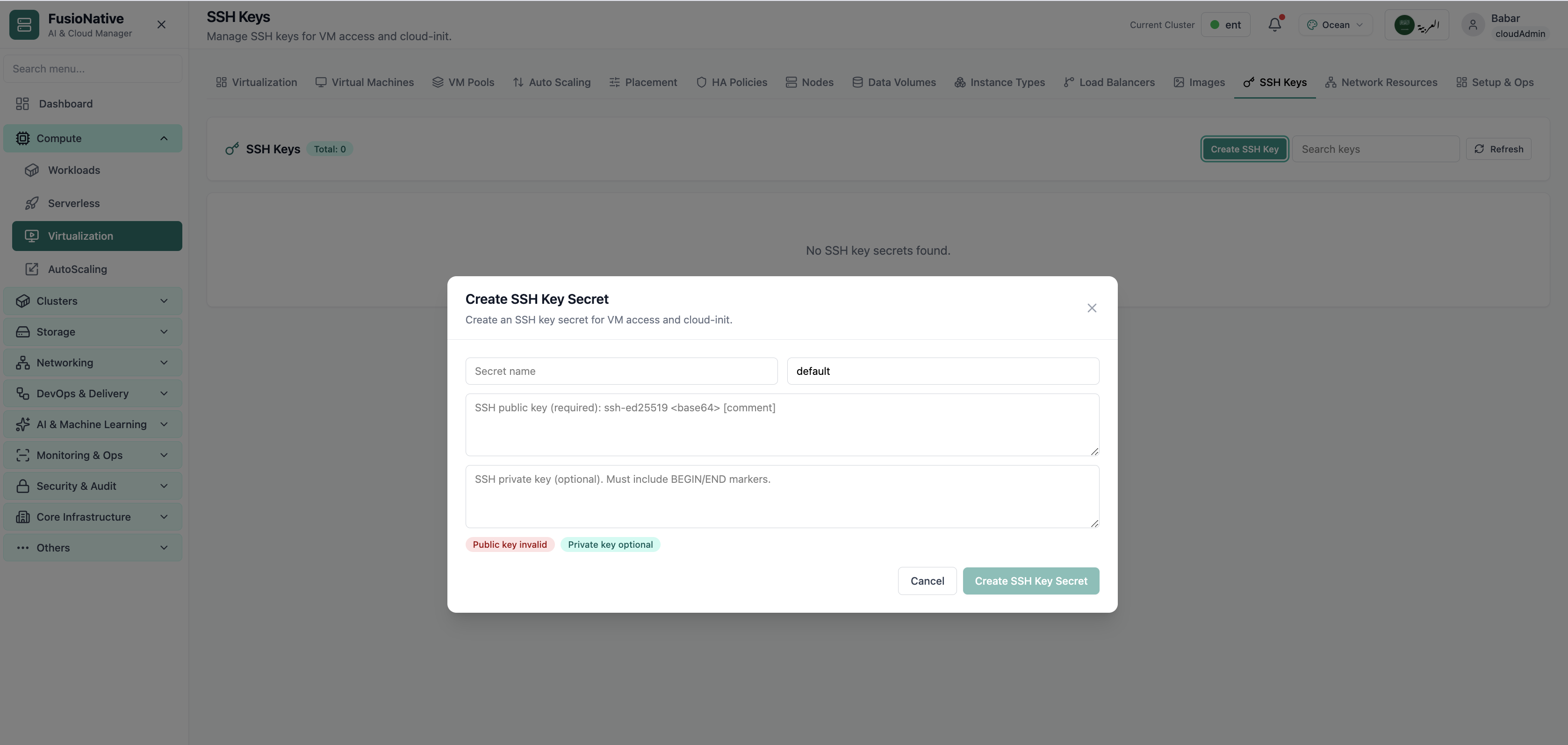
SSH keys for virtual machines.
13of 14Cloud Admin

SSH Keys

SSH keys for virtual machines.

  • Same layout your operators see in production
  • Click to zoom in
  • Works alongside the rest of Cloud Admin

Click the screenshot to open full size, zoom, and pan.
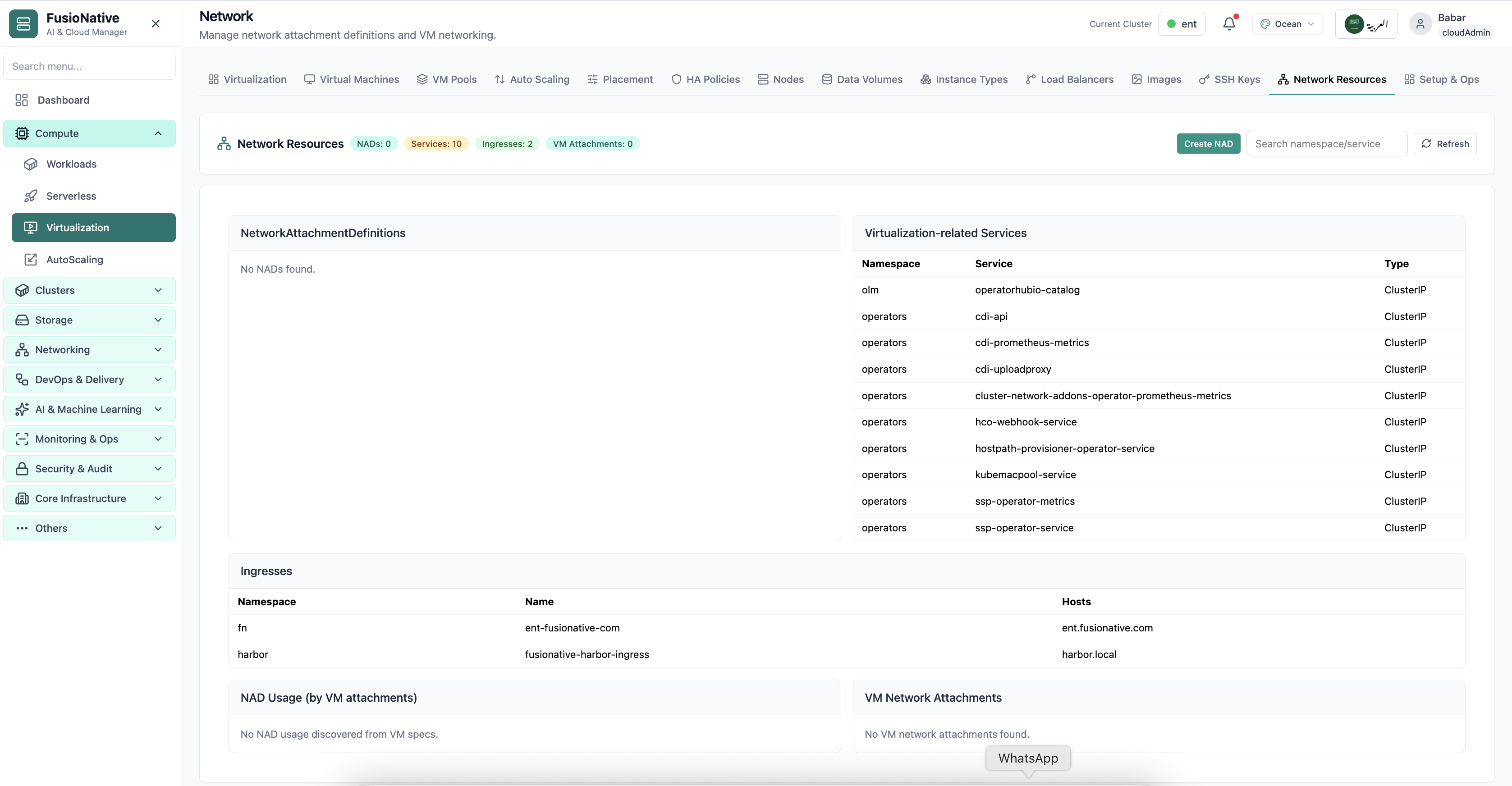
Virtualization network settings.
14of 14Cloud Admin

VM Network

Virtualization network settings.

  • Same layout your operators see in production
  • Click to zoom in
  • Works alongside the rest of Cloud Admin

Click the screenshot to open full size, zoom, and pan.