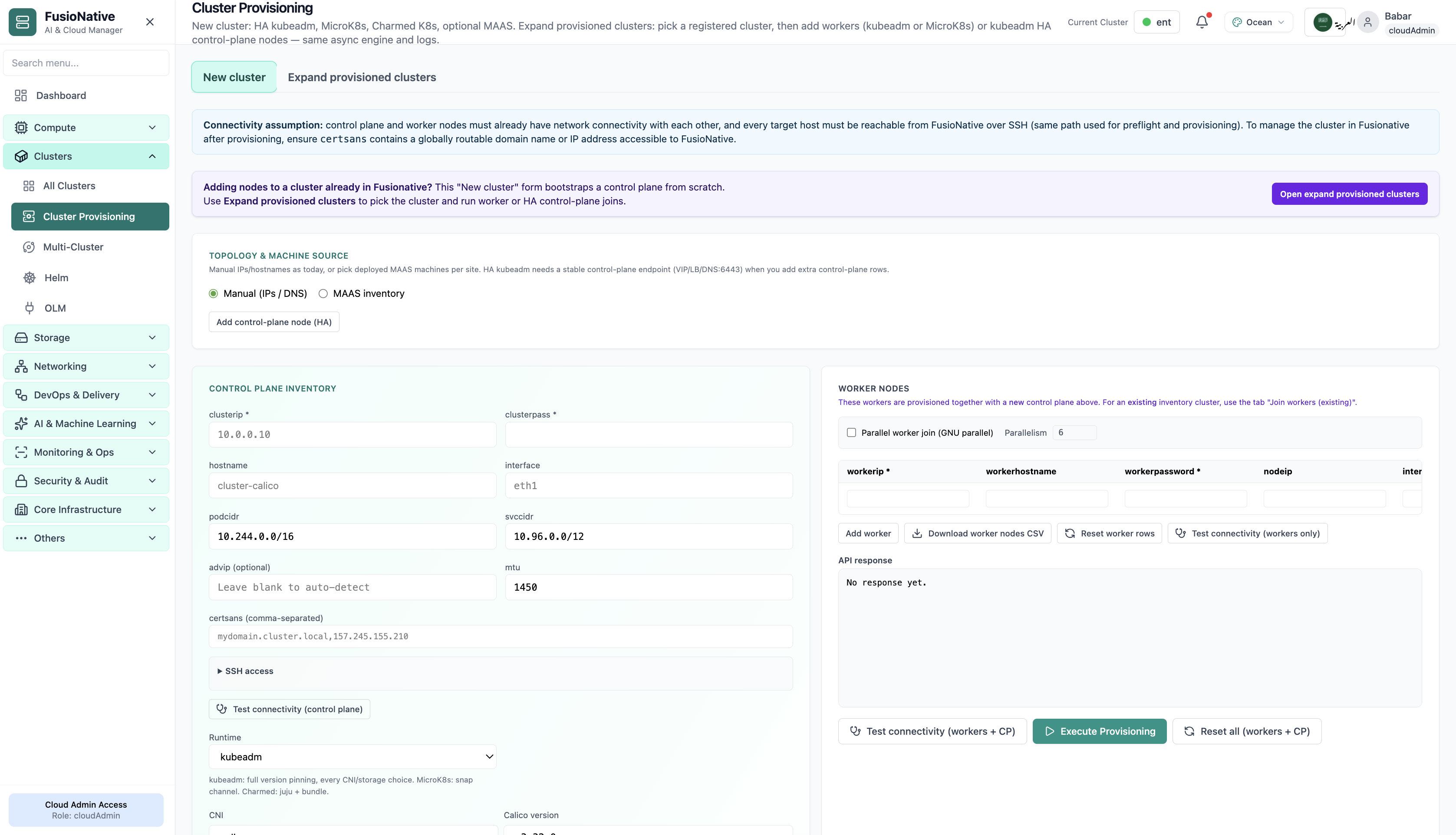
Cluster Provisioning
Cluster provisioning workflow and connectivity checks.
- Same layout your operators see in production
- Click to zoom in
- Works alongside the rest of Cloud Admin
Click the screenshot to open full size, zoom, and pan.
K8s & Containers
Monitor, connect, and run day-2 operations across your Kubernetes fleet, resource usage on cards, secure kubeconfig and enterprise connection flows, in-browser kubectl, upgrade readiness, provisioning, and multi-cluster control plane settings.
Screens from the live product, with a short note on when you would open each view.
Cluster provisioning workflow and connectivity checks.
Click the screenshot to open full size, zoom, and pan.
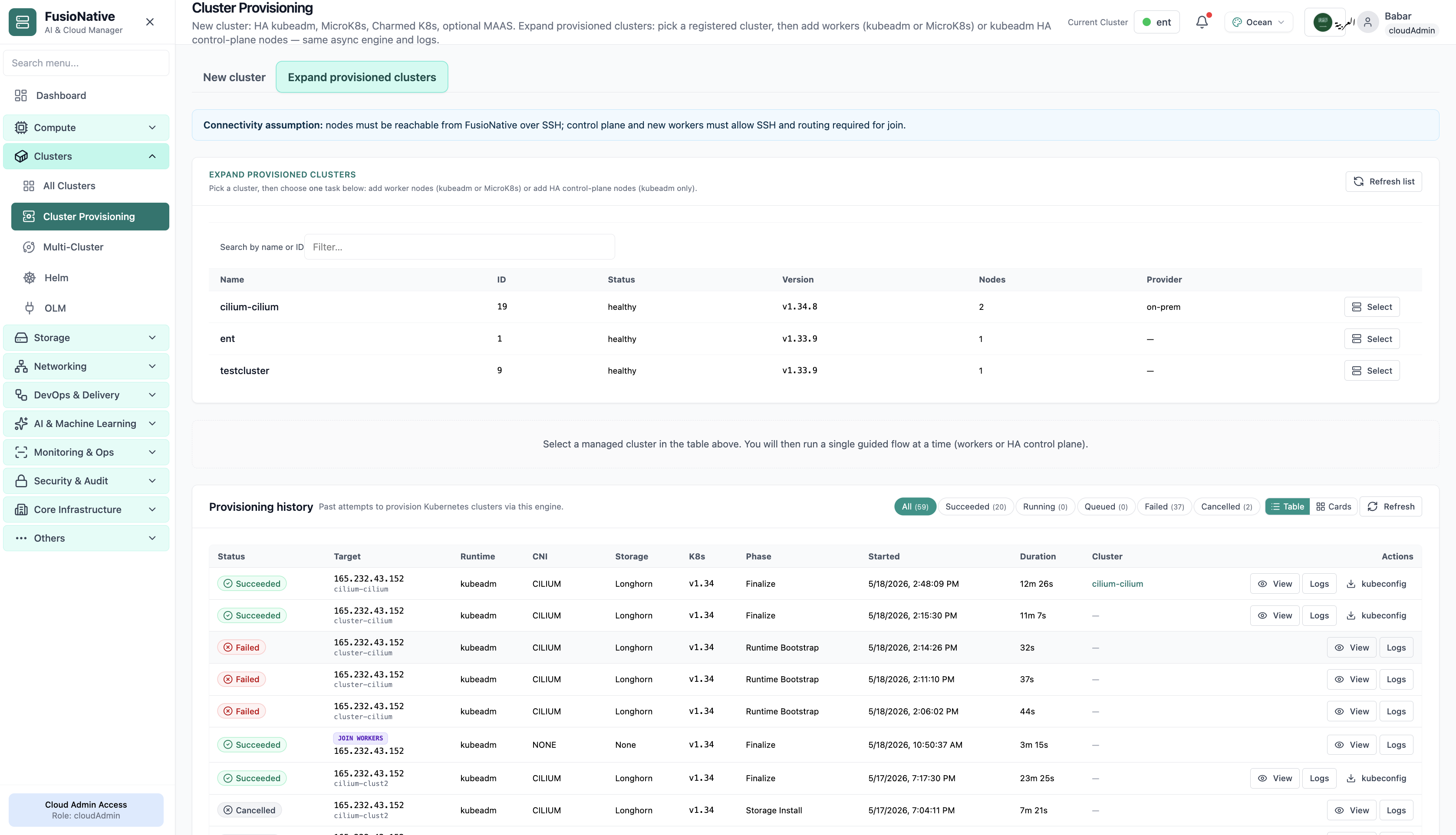
Cluster provisioning form with target version and readiness.
Click the screenshot to open full size, zoom, and pan.
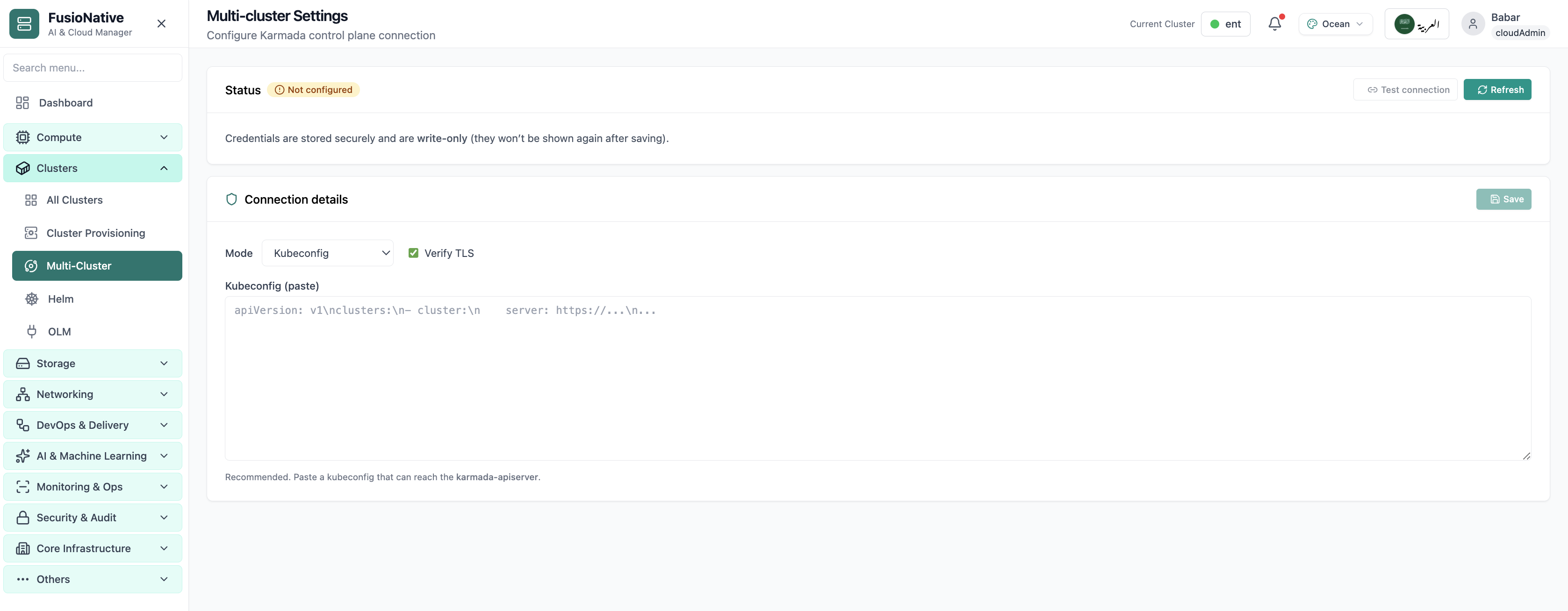
Multi-cluster Karmada-style control plane settings.
Click the screenshot to open full size, zoom, and pan.
Whether you are onboarding a new provider cluster or standardizing upgrades across tenants, Cloud Admin keeps connection security and operational velocity in the same product.
Healthy badges and utilization bars make it obvious where pressure shows up before alerts fire everywhere.
Prerequisites and RBAC expectations are spelled up front; recommended paths reduce misconfiguration during attach.
Terminal, upgrades, and multi-cluster settings live beside the same cluster truth. Fewer handoffs between tools.
Use Cloud Clusters in Cloud Admin as the hub for attach, observe, and change, across providers and teams.
Get a demo