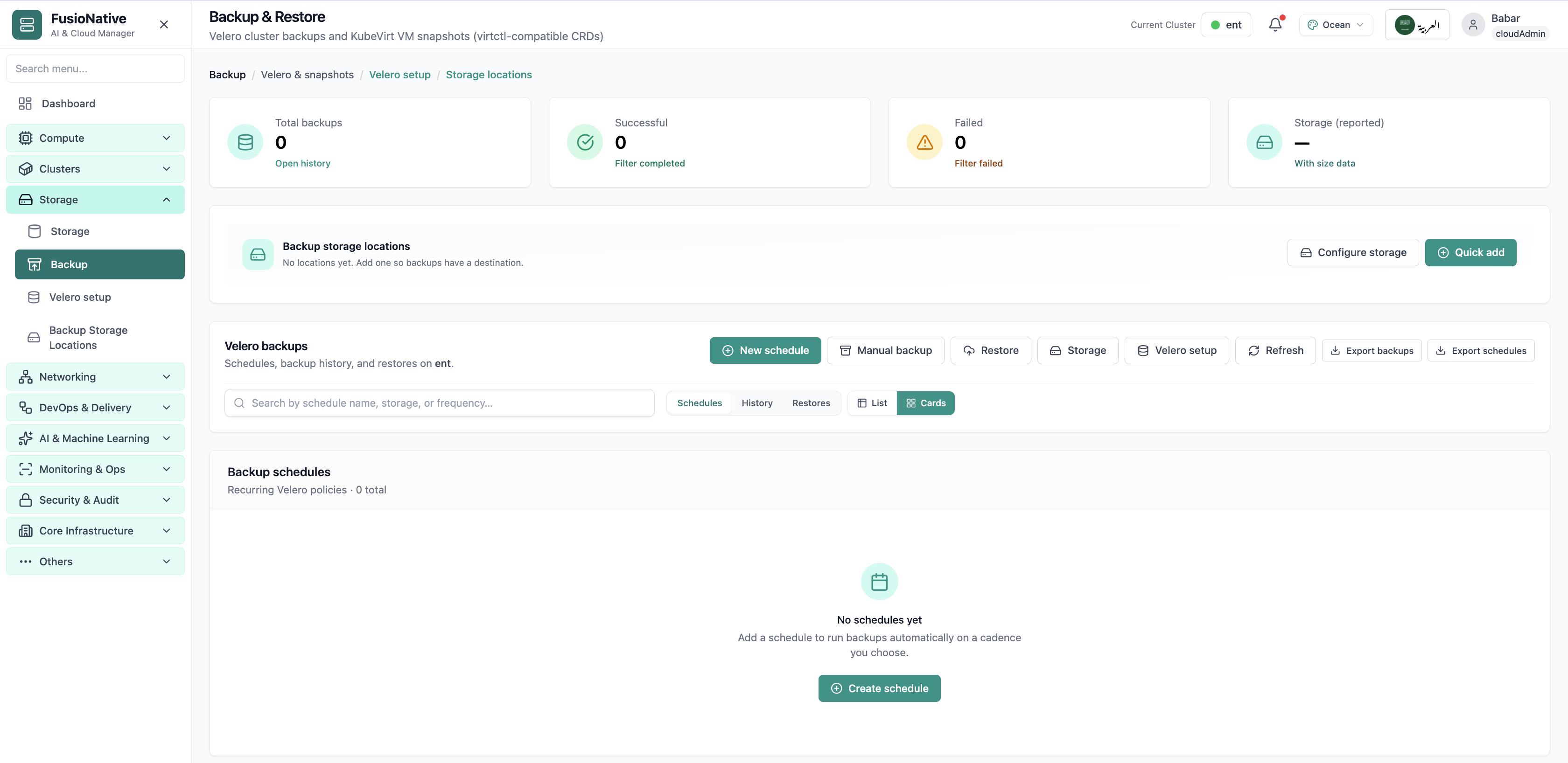
Backup & Restore
Velero backup and restore dashboard.
- Same layout your operators see in production
- Click to zoom in
- Works alongside the rest of Cloud Admin
Click the screenshot to open full size, zoom, and pan.
Storage · Data protection
Run cluster backups and VM snapshots from one place: Velero schedules, manual runs, history and restores, reported backup storage, export-friendly workflows, guided Velero install, and BackupStorageLocation targets from MinIO and S3-compatible endpoints to NFS CSI, Longhorn, and Ceph.
Screens from the live product, with a short note on when you would open each view.
Velero backup and restore dashboard.
Click the screenshot to open full size, zoom, and pan.
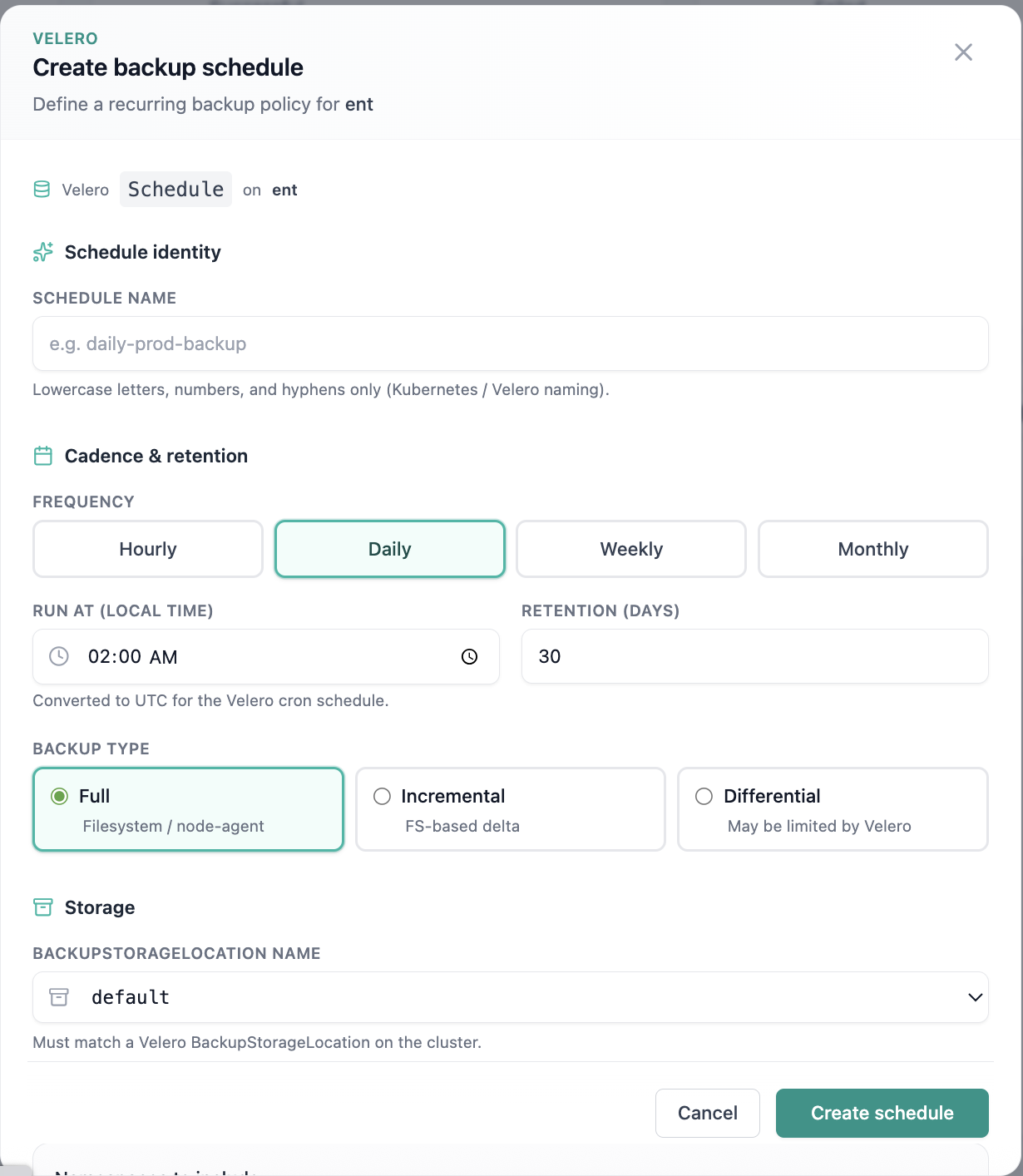
Create backup schedule form.
Click the screenshot to open full size, zoom, and pan.
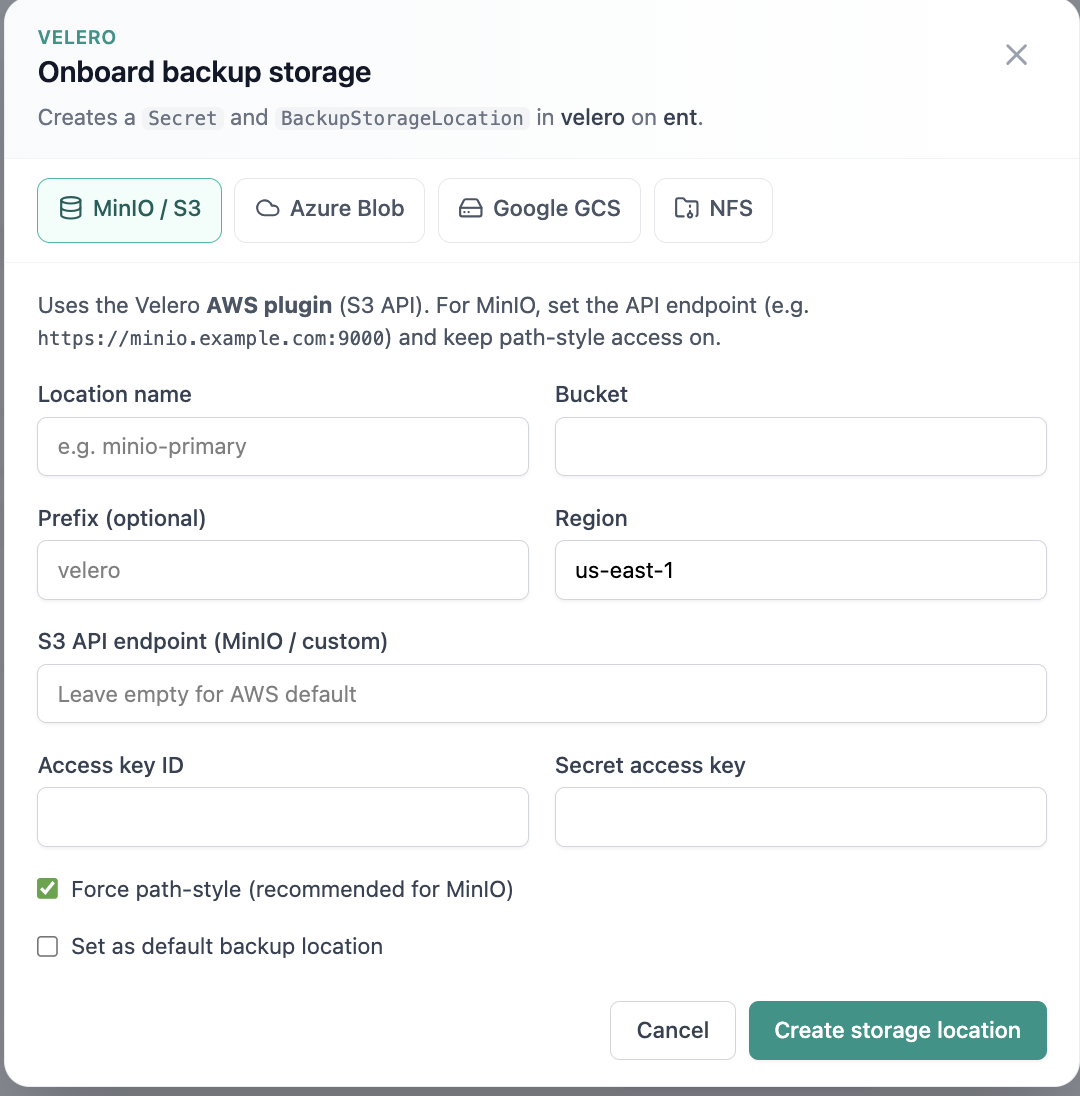
Onboard backup storage location.
Click the screenshot to open full size, zoom, and pan.
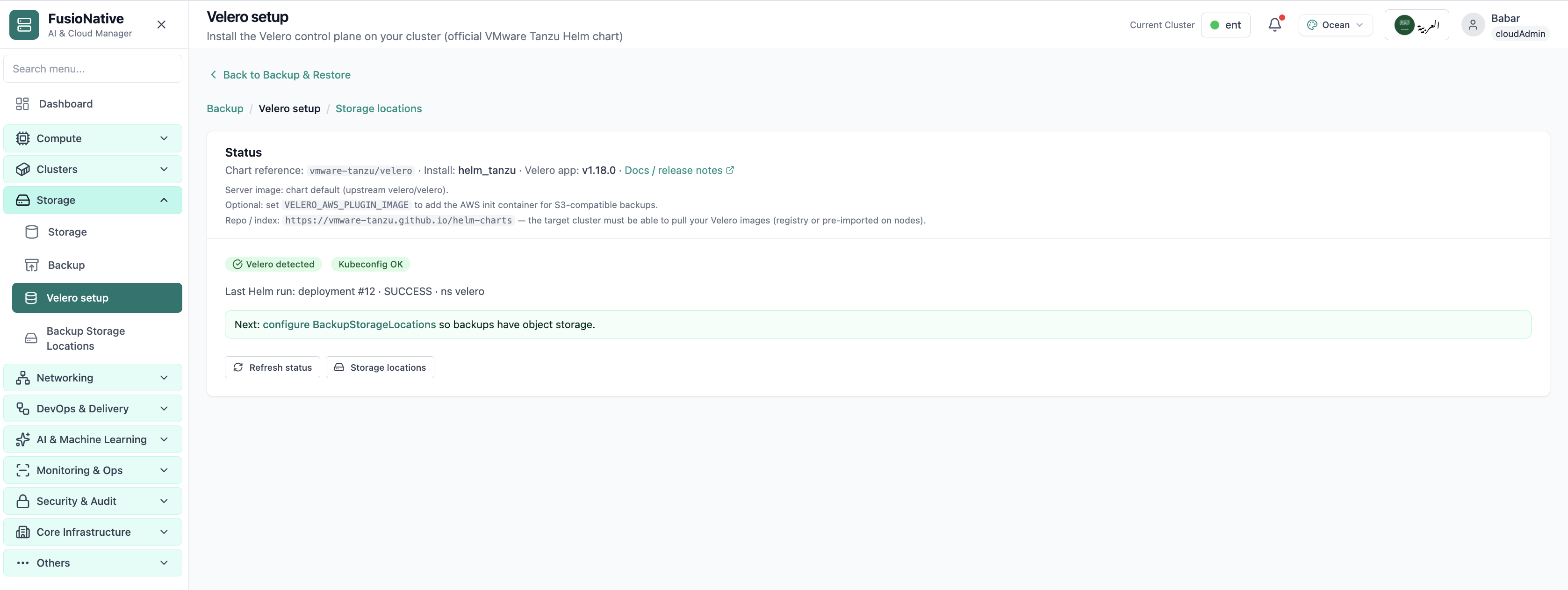
Velero installation and setup wizard.
Click the screenshot to open full size, zoom, and pan.
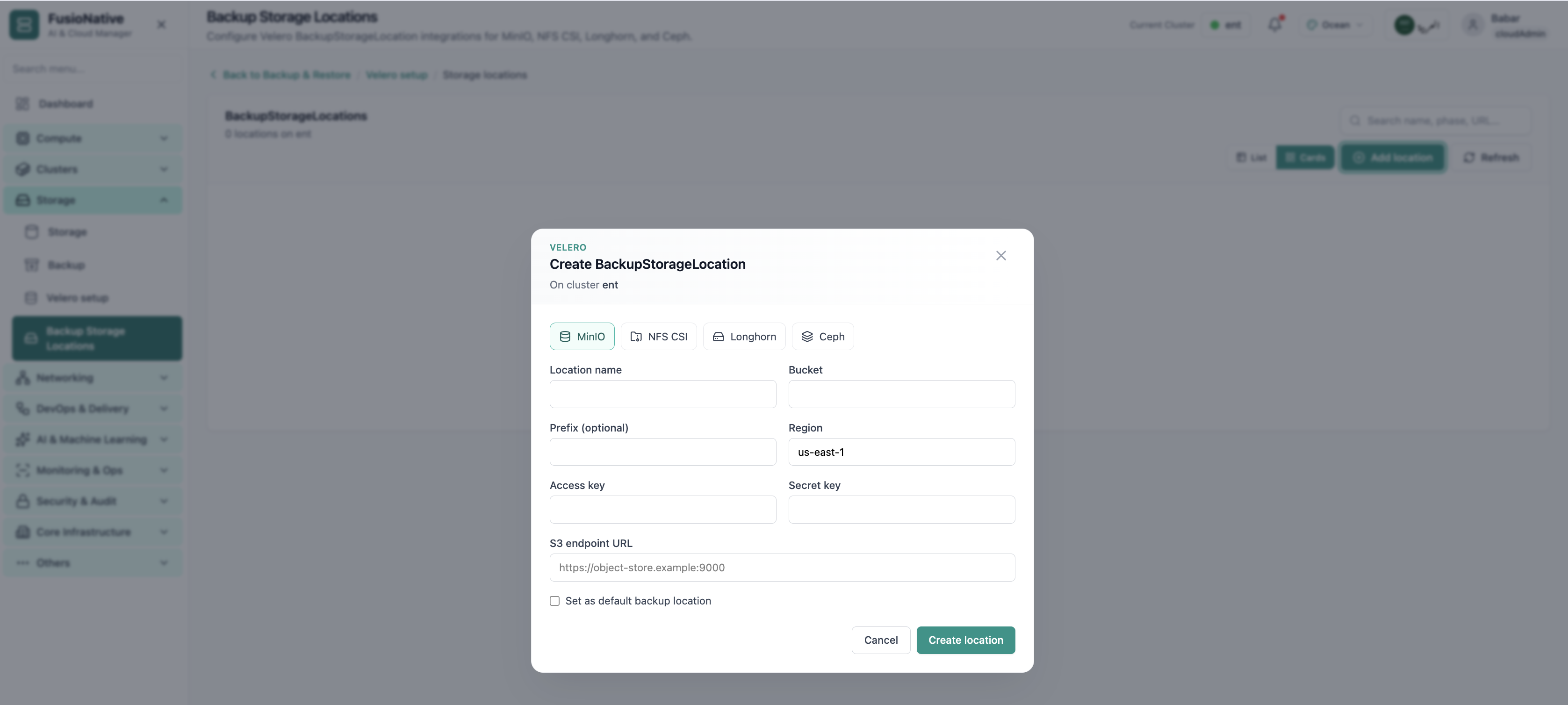
Backup storage locations configuration.
Click the screenshot to open full size, zoom, and pan.
When schedules, targets, and snapshot workflows share one UI, platform teams rehearse failure modes instead of discovering gaps during incidents.
Cadence, retention, and storage targets captured where admins already work, not buried in Git forks.
Velero for Kubernetes plus KubeVirt snapshots reduces parallel runbooks for mixed estates.
Explicit BSL modeling for common backends keeps restore objectives tied to real object-store endpoints.
See Backup & Restore, Velero setup, and Backup Storage Locations inside Cloud Admin, alongside Storage and workloads.
Get a demo