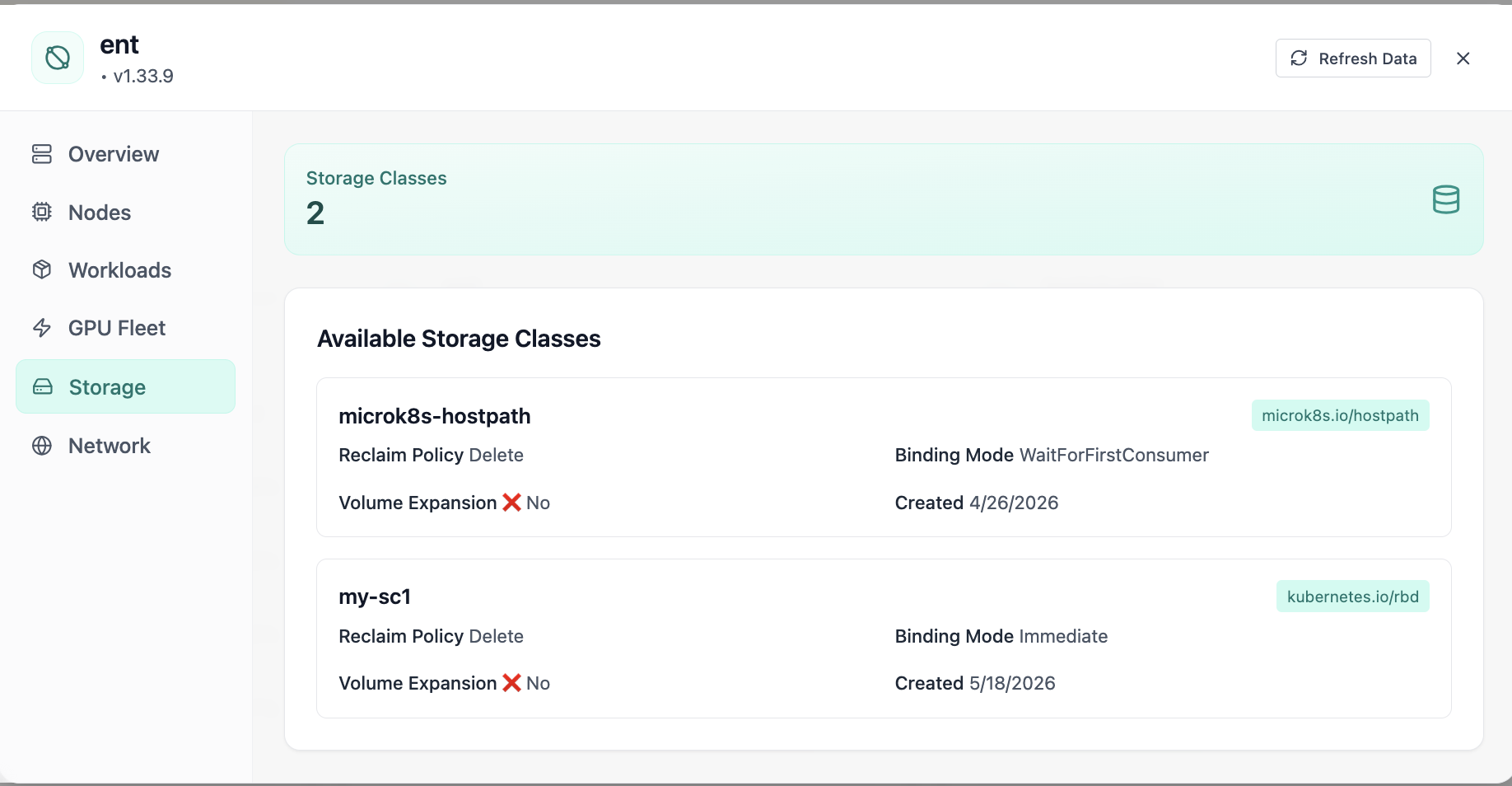
Storage Classes
Available storage classes with reclaim policies.
- Same layout your operators see in production
- Click to zoom in
- Works alongside the rest of Cloud Admin
Click the screenshot to open full size, zoom, and pan.
Storage · Kubernetes
See Storage Classes, Persistent Volumes, and Volume Claims with live counts, bind ratio, and capacity vs requested totals. Drill into tabbed resource management, distribution charts, search and filters, card or list views, and create flows, without bouncing between CLIs and spreadsheets.
Screens from the live product, with a short note on when you would open each view.
Available storage classes with reclaim policies.
Click the screenshot to open full size, zoom, and pan.
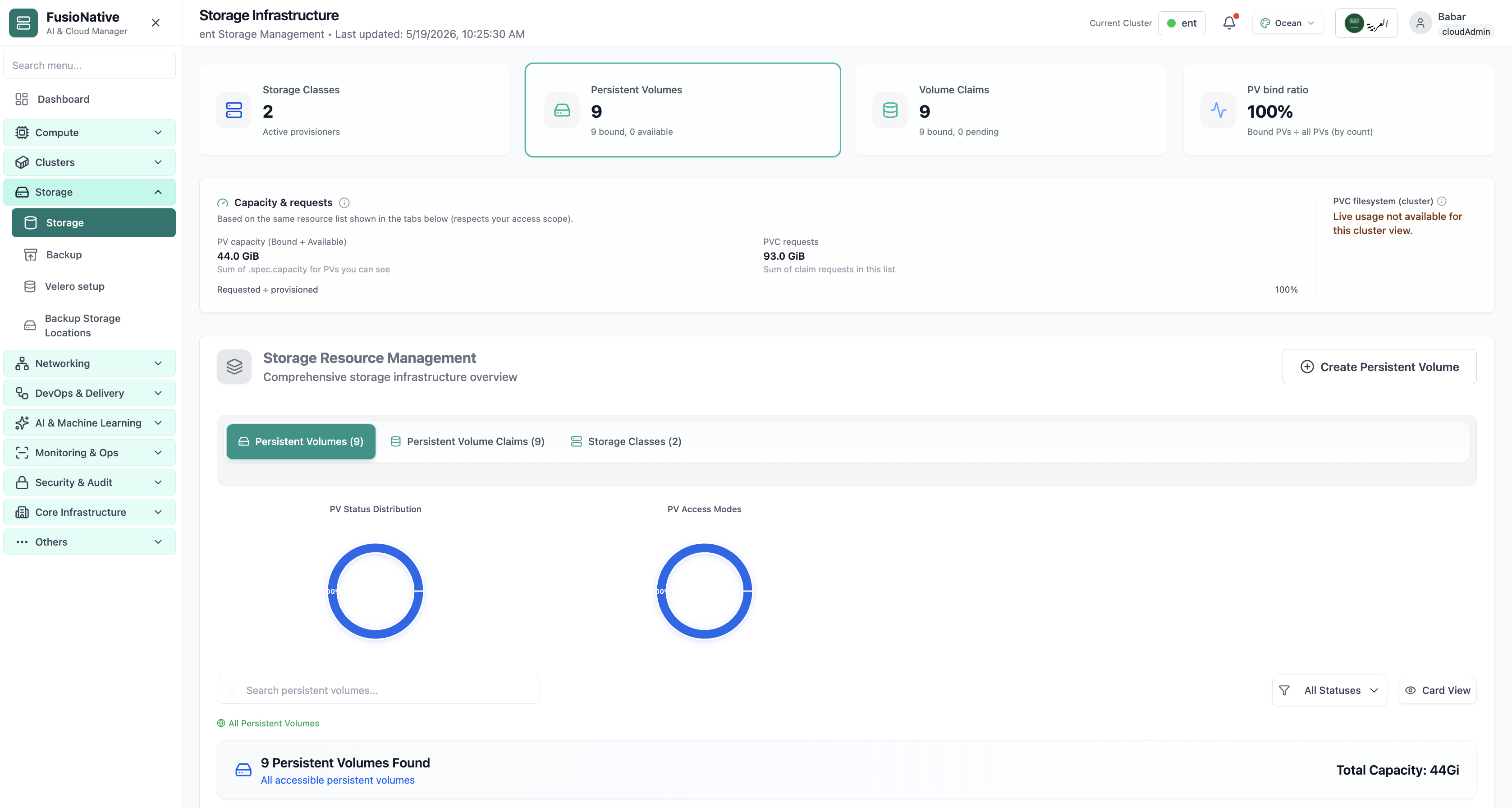
Storage infrastructure dashboard with PV, PVC, and capacity.
Click the screenshot to open full size, zoom, and pan.
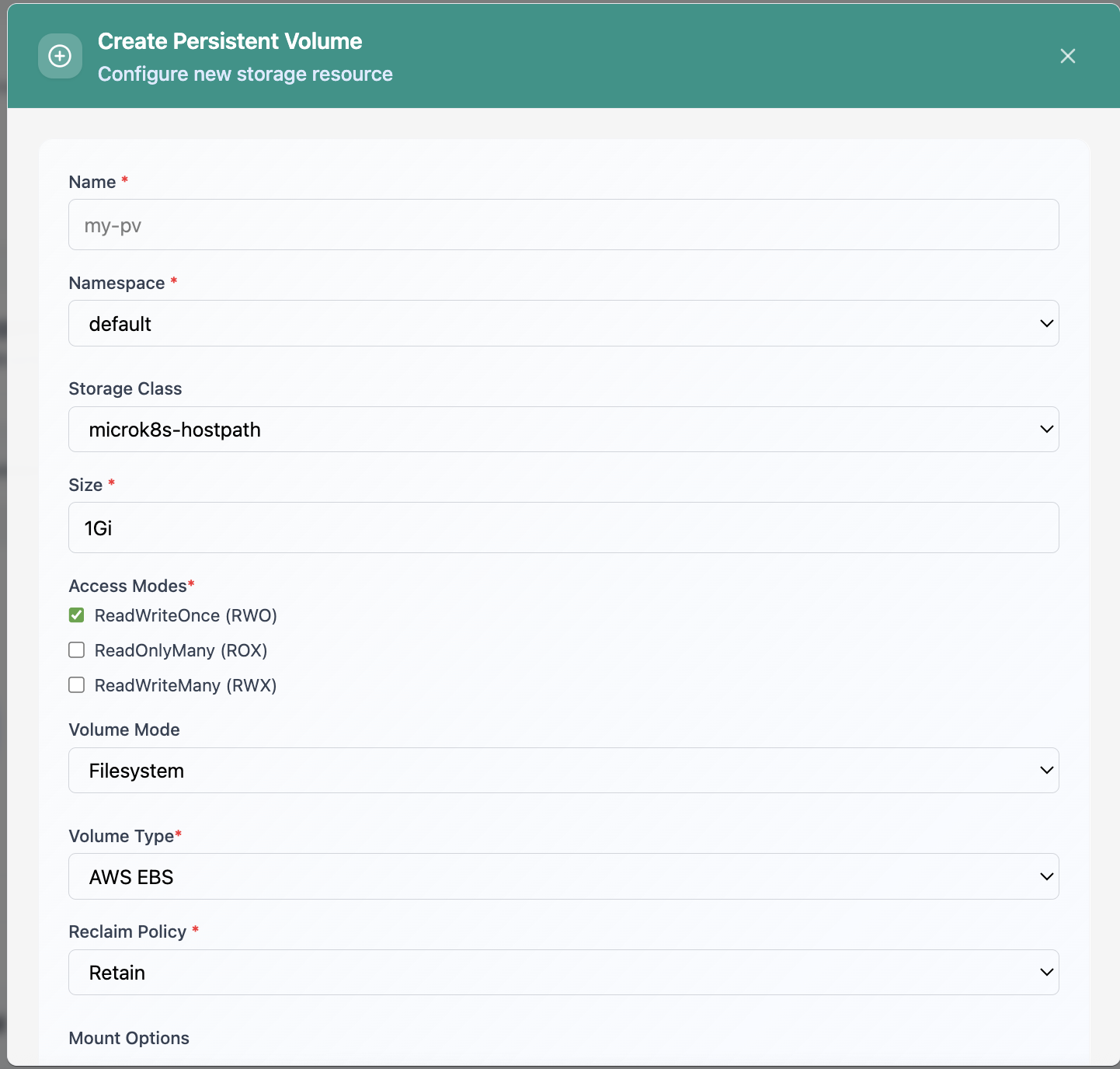
Create Persistent Volume form.
Click the screenshot to open full size, zoom, and pan.
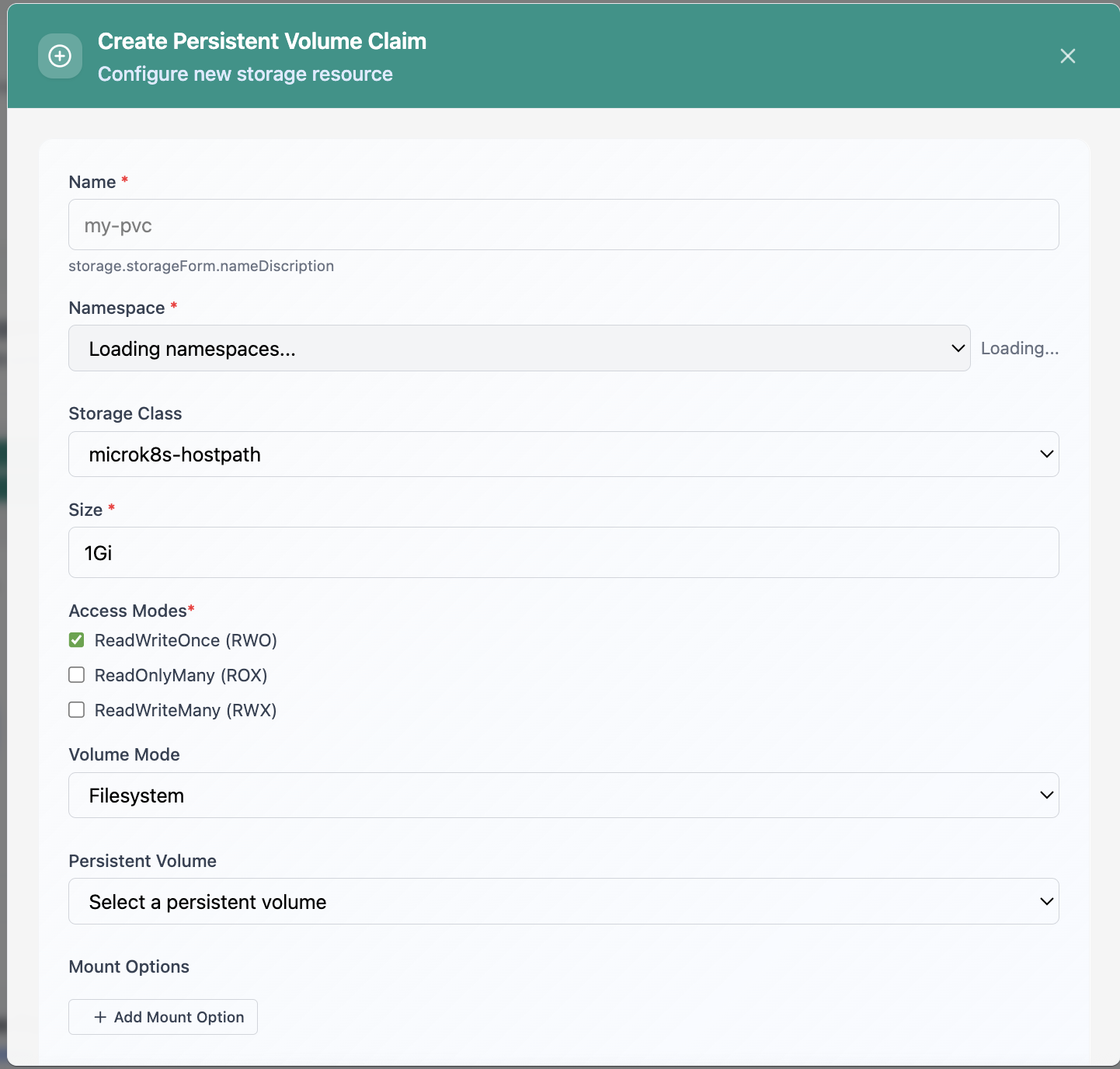
Create Persistent Volume Claim form.
Click the screenshot to open full size, zoom, and pan.
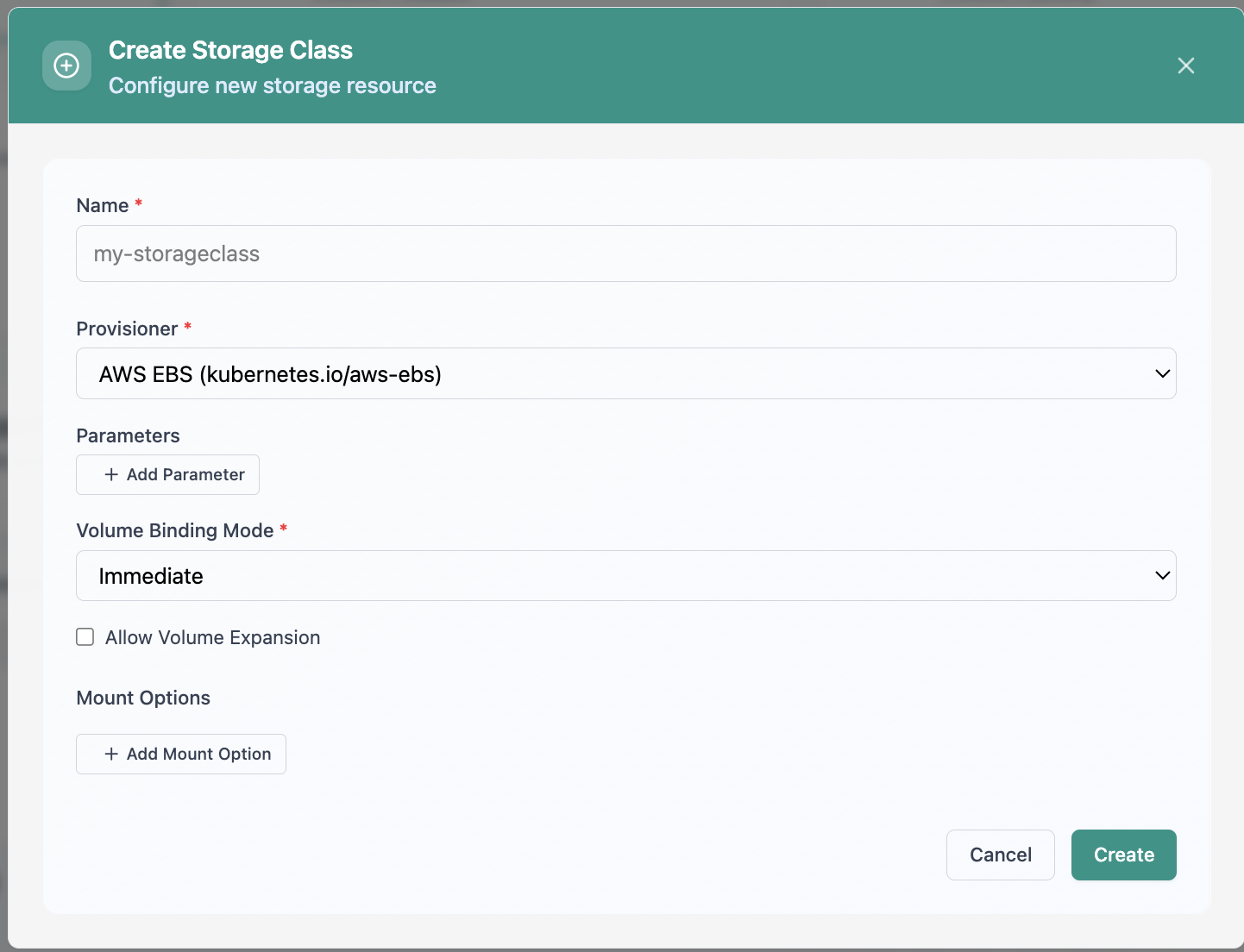
Create Storage Class configuration.
Click the screenshot to open full size, zoom, and pan.
When bind ratio, reclaim policy, and requested GiB share one surface, platform teams can plan changes instead of firefighting disk.
Classes, volumes, and claims together, charts for status and access modes, not guesswork.
Compare PVC requests to PV capacity totals for the same scoped list you operate on.
Search, filter, switch views, and create volumes where policy allows. Fewer context switches.
Run Storage Infrastructure from Cloud Admin next to workloads, clusters, and backup in one console for Kubernetes data paths.
Get a demo