K8s & Containers · OLM

Operator Lifecycle Manager — operators with a real lifecycle

Discover and install Kubernetes operators from curated catalogs, manage installed releases and custom resources, wire Operator Hub and private sources, and track upgrades, rollbacks, and health—without losing the plot across clusters.

Product walkthrough

See it in Cloud Admin

Screenshots from the live product. Each note explains what you are looking at and when you would open this screen.

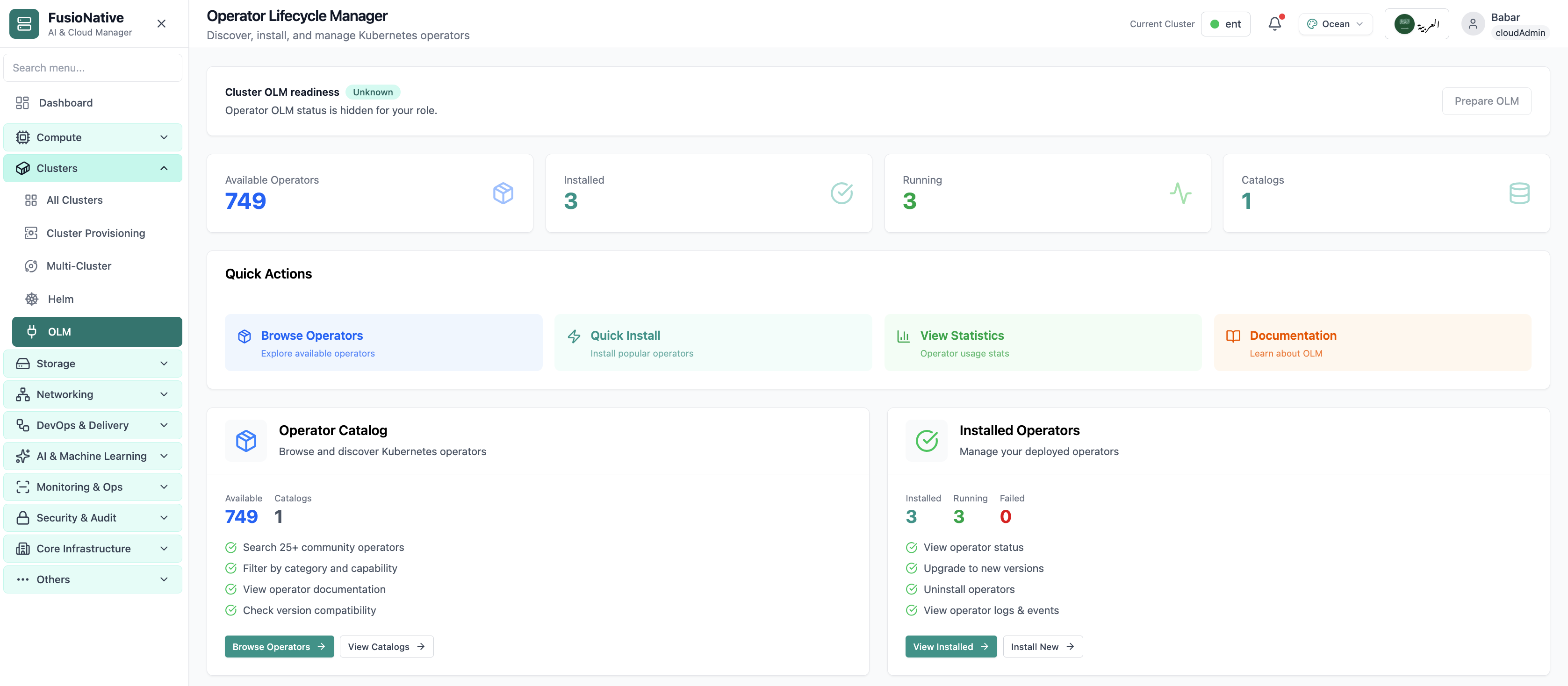
OLM operators and subscriptions view.
01 of 01 Cloud Admin

Operator Lifecycle Manager

OLM operators and subscriptions view. This is the same interface your team uses in production.

  • Same layout your operators see in production
  • Click to zoom in without losing detail
  • Works alongside the rest of Cloud Admin

Click the screenshot to open full size, zoom, and pan.

Platform extensions

Operators are Day-2 infrastructure

Treat catalog, install, and CR lifecycle as first-class operations—not side quests for a single cluster admin.

Standardize discovery

Community and private catalogs side by side so teams agree on what “approved” means.

Ship upgrades safely

Version paths and rollback signals stay visible while workloads keep running.

Observe operands

Instances and CR updates tie back to health and metrics—fewer blind spots during change windows.

Put operator lifecycle next to production reality

Run OLM from Cloud Admin next to Helm, clusters, and workloads—one console for Kubernetes extensions.

Get a demo