Networking · Kubernetes

Networking — services, ingress, and port forwards in cluster context

Shape how traffic reaches your workloads: filter Services by ClusterIP, NodePort, and LoadBalancer; manage Ingresses and IngressClasses; use port forwarding when you need a fast path to a pod. Everything stays tied to the selected cluster and namespace scope you are allowed to see—search, create, edit, view YAML, or delete without leaving Cloud Admin.

Product walkthrough

See it in Cloud Admin

Screenshots from the live product. Each note explains what you are looking at and when you would open this screen.

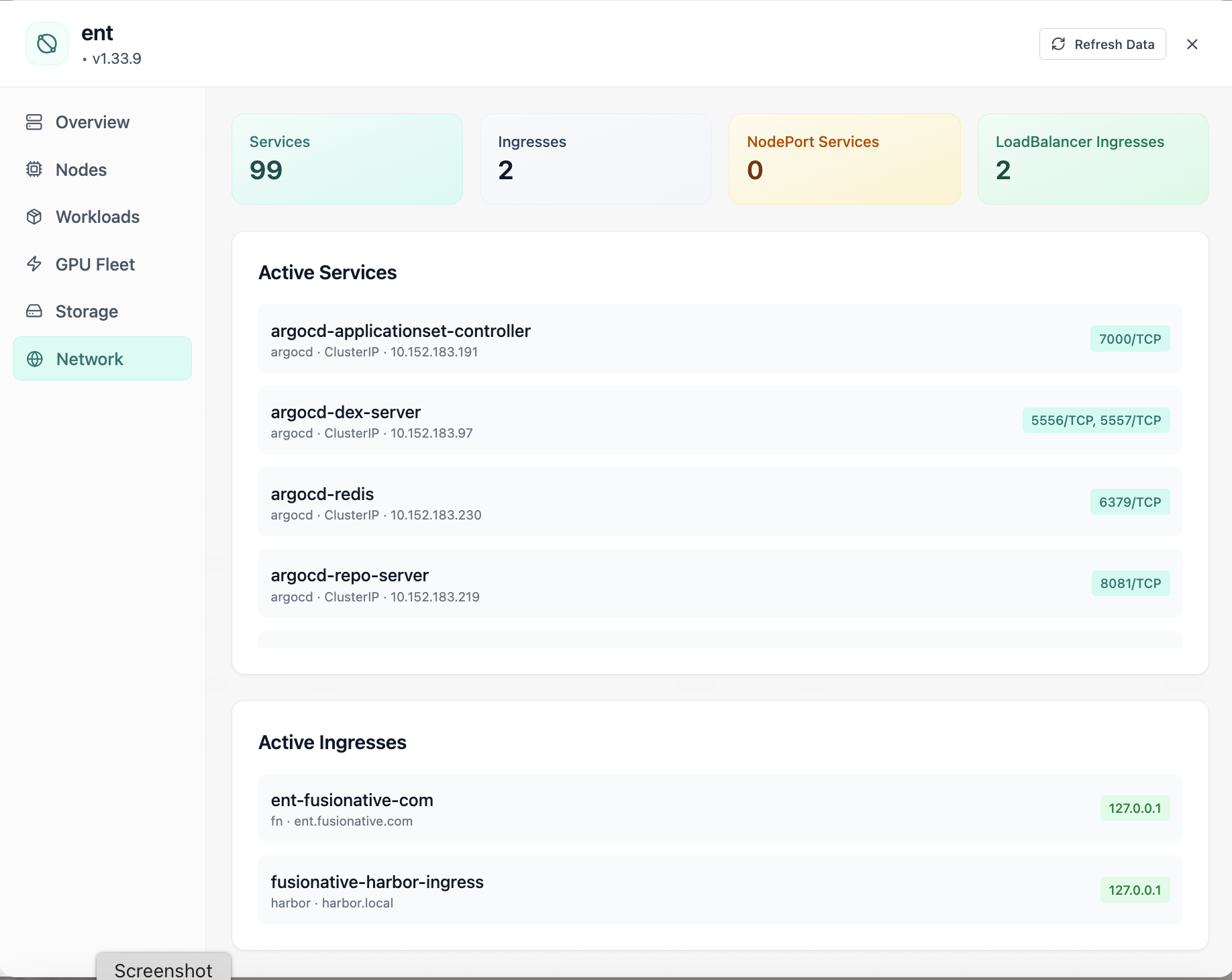
Cluster network services and ingresses.
01 of 05 Cloud Admin

Cluster Network

Cluster network services and ingresses. This is the same interface your team uses in production.

  • Same layout your operators see in production
  • Click to zoom in without losing detail
  • Works alongside the rest of Cloud Admin

Click the screenshot to open full size, zoom, and pan.
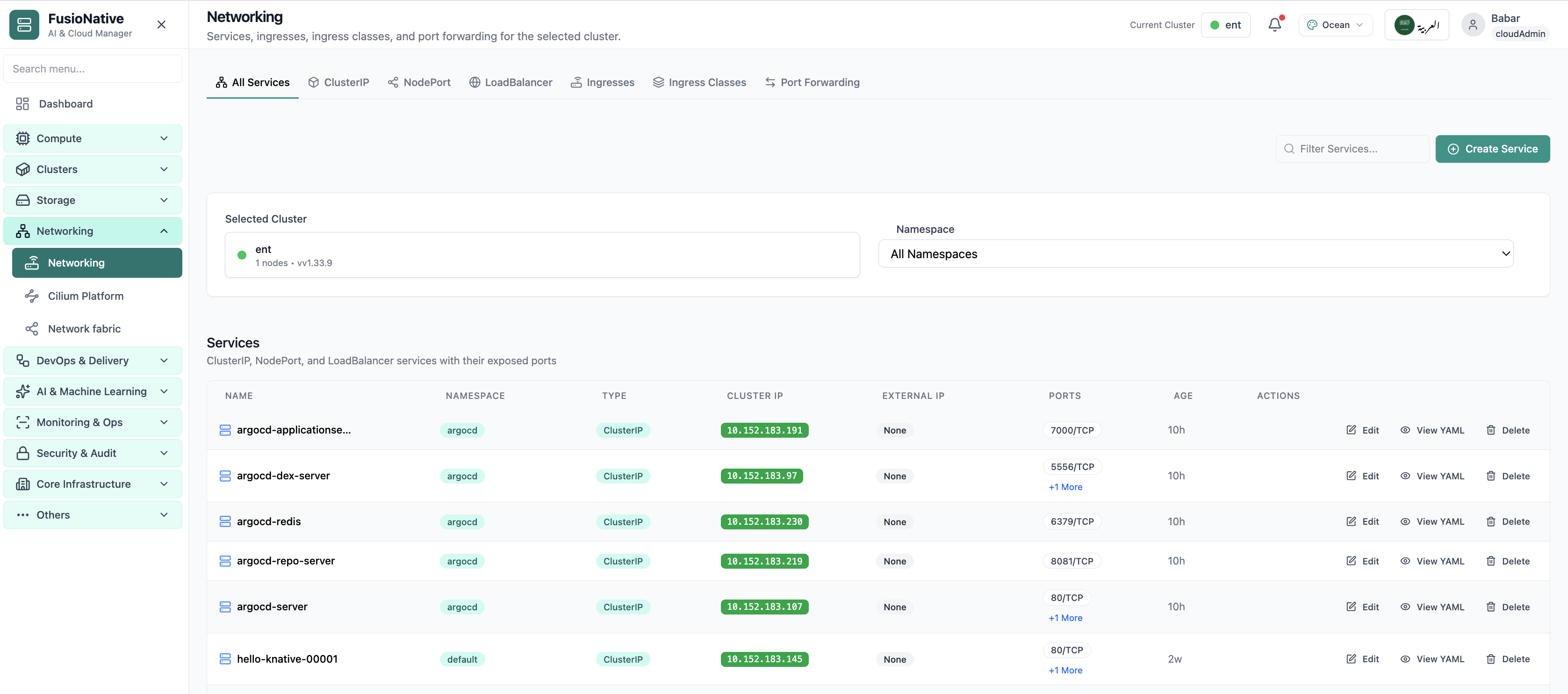
Kubernetes networking services and ingress management.
02 of 05 Cloud Admin

Networking

Kubernetes networking services and ingress management. This is the same interface your team uses in production.

  • Same layout your operators see in production
  • Click to zoom in without losing detail
  • Works alongside the rest of Cloud Admin

Click the screenshot to open full size, zoom, and pan.
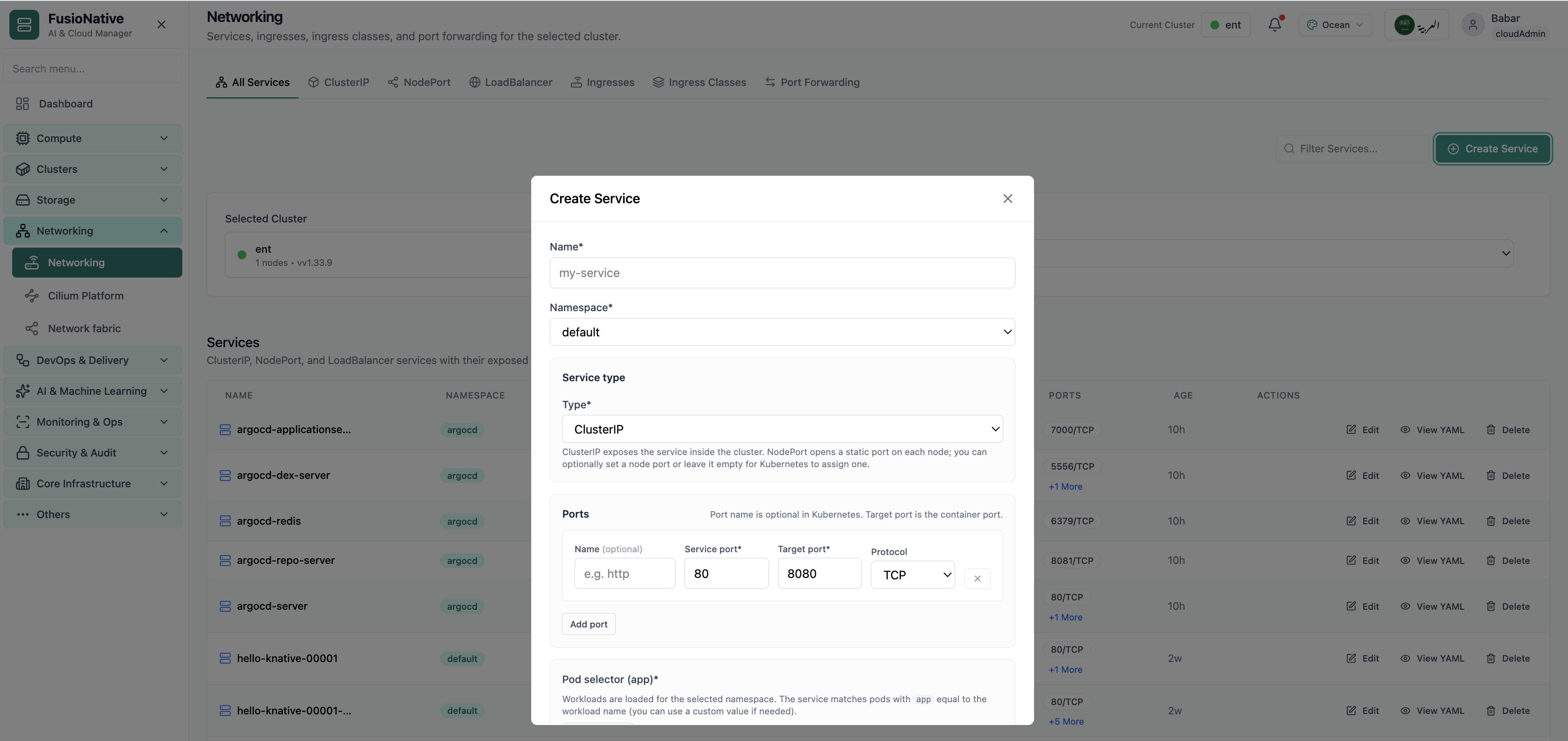
Networking configuration and service details.
03 of 05 Cloud Admin

Network policies

Networking configuration and service details. This is the same interface your team uses in production.

  • Same layout your operators see in production
  • Click to zoom in without losing detail
  • Works alongside the rest of Cloud Admin

Click the screenshot to open full size, zoom, and pan.
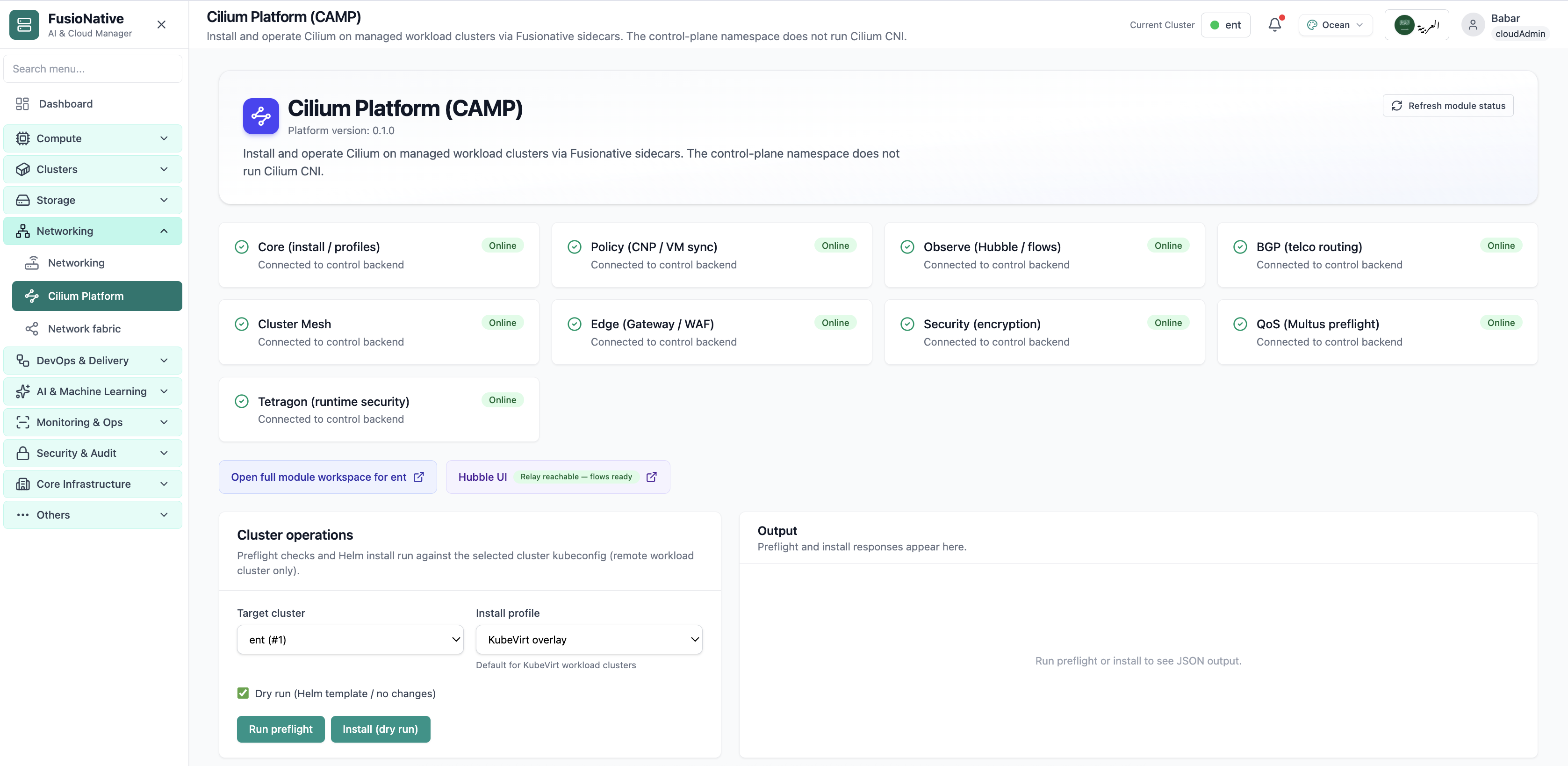
Cilium Platform module status and Helm install controls.
04 of 05 Cloud Admin

Cilium Platform

Cilium Platform module status and Helm install controls. This is the same interface your team uses in production.

  • Same layout your operators see in production
  • Click to zoom in without losing detail
  • Works alongside the rest of Cloud Admin

Click the screenshot to open full size, zoom, and pan.
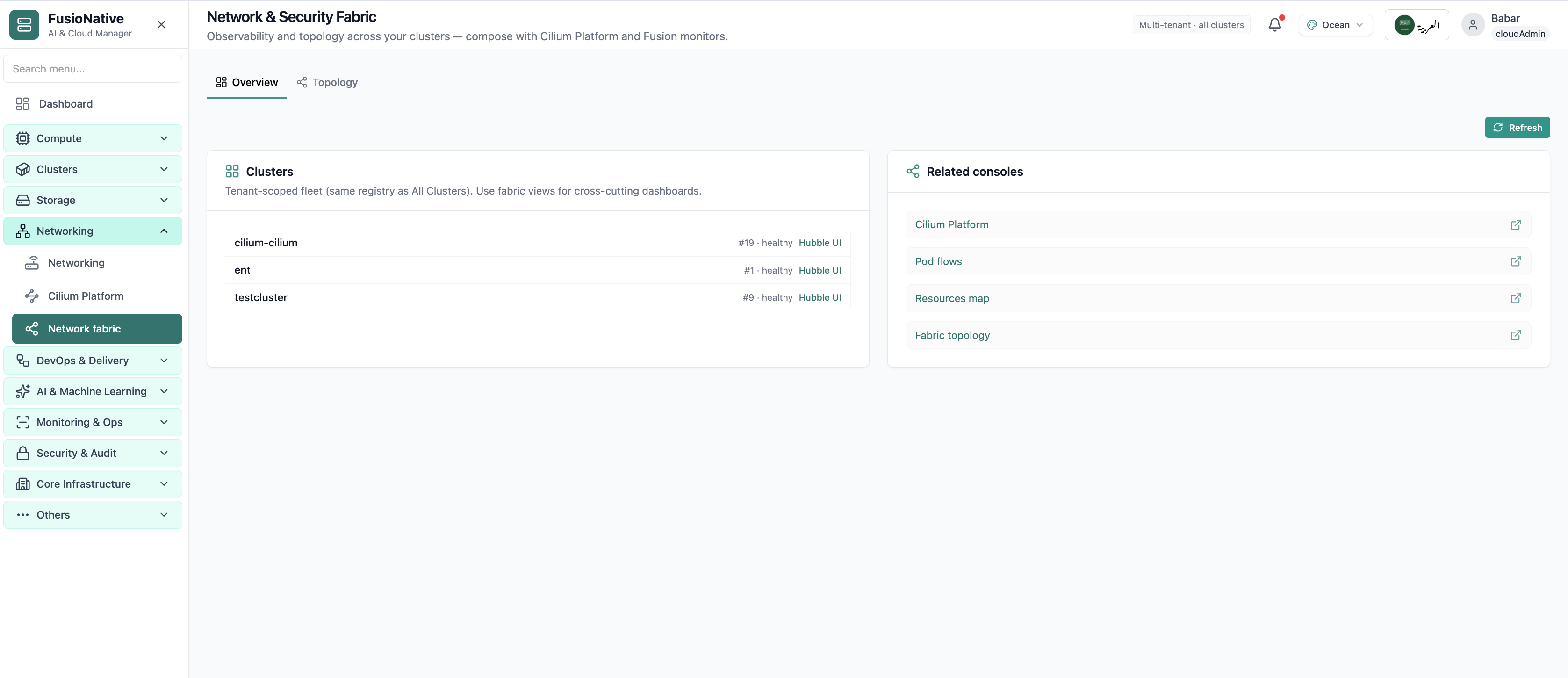
Network fabric overview with Hubble and topology links.
05 of 05 Cloud Admin

Network & Security Fabric

Network fabric overview with Hubble and topology links. This is the same interface your team uses in production.

  • Same layout your operators see in production
  • Click to zoom in without losing detail
  • Works alongside the rest of Cloud Admin

Click the screenshot to open full size, zoom, and pan.

Traffic clarity

North–south and east–west—without the archaeology

When Services, Ingress, and forwards live beside cluster context, platform and app teams agree on what is actually exposed.

One plane for exposure

Cluster-internal ClusterIP, node-edge NodePort, cloud LoadBalancers, and HTTP Ingress—bounded by the tabs you already use in kubectl—only faster.

Create with guardrails

Namespace-scoped selectors and port rows reduce fat-finger manifests while keeping advanced users unblocked.

Prove what ships

YAML inspection on demand reconciles UI state with Git and audit expectations.

Put networking next to the workloads it serves

Operate Kubernetes Services and Ingress from Cloud Admin alongside clusters, workloads, and storage.

Get a demo