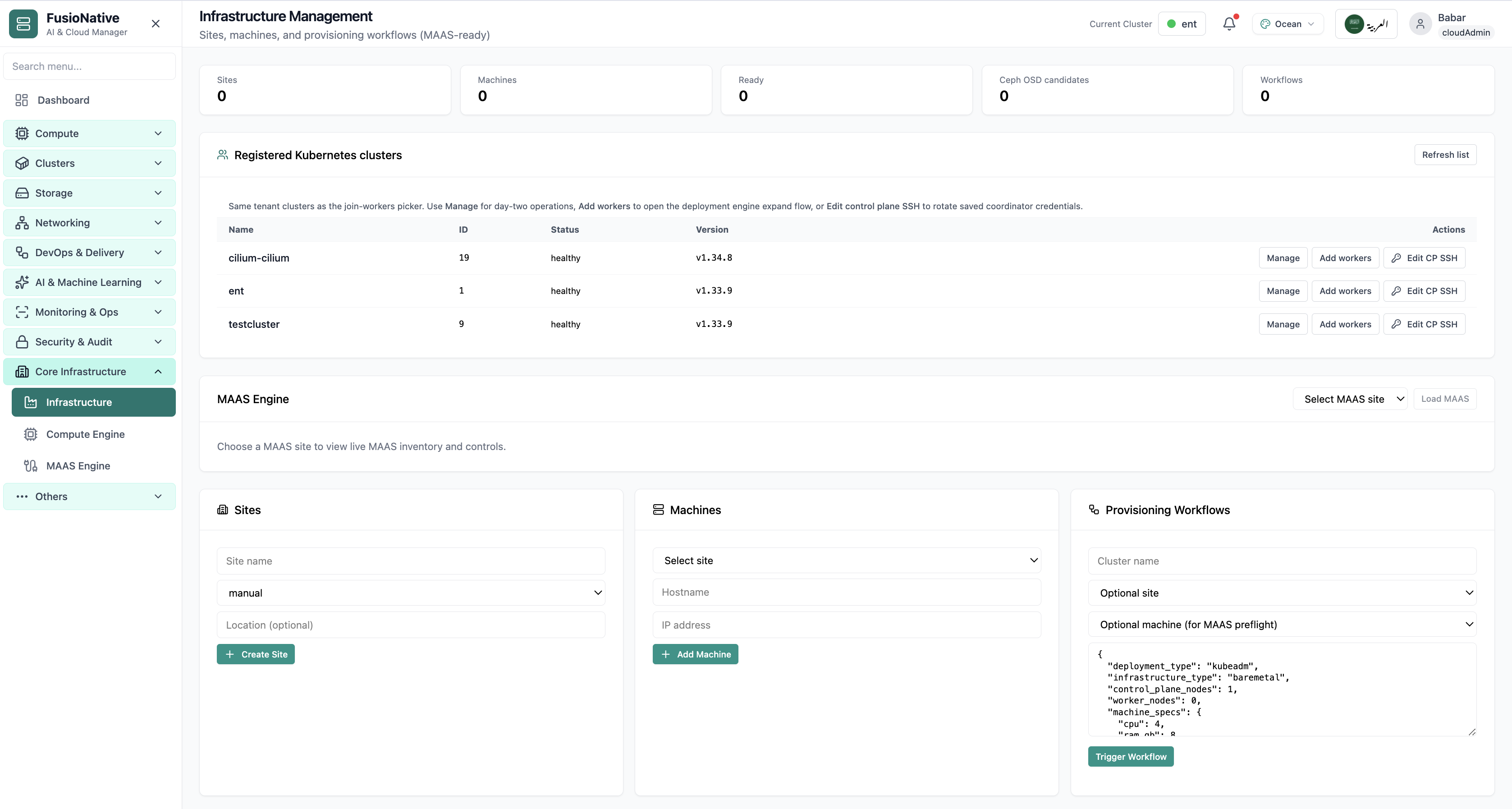
Infrastructure Management
Sites, machines, MAAS, and provisioning workflows.
- Same layout your operators see in production
- Click to zoom in
- Works alongside the rest of Cloud Admin
Click the screenshot to open full size, zoom, and pan.
Infrastructure
Manage infrastructure sites, compute engines, and bare-metal provisioning with MAAS — from rack to running cluster.
Core infrastructure
Under Core Infrastructure → Infrastructure, operators model physical reality before Kubernetes namespaces matter: logical sites, enrolled machines, optional Ceph OSD candidate counts, and JSON-driven provisioning workflows, MAAS-ready when your metal fabric is wired in.
Screens from the live product, with a short note on when you would open each view.
Sites, machines, MAAS, and provisioning workflows.
Click the screenshot to open full size, zoom, and pan.
Infrastructure Management prevents “cluster sprawl on imaginary machines” by forcing sites, IPs, and workflow payloads to agree before automation promotes builds into production namespaces.
JSON workflows capture CPU/RAM envelopes and topology counts, easy to diff when finance asks why nodes doubled.
Sites map neatly into MAAS regions so networking and facilities teams talk about the same coordinates.
OSD candidate counts surface early. Operators stop guessing whether Ceph can absorb the next tenant burst.
Core infrastructure
Under Core Infrastructure → Compute Engine, Cloud Admin focuses on the node that runs your API server: rolling 24h trends for CPU, memory, root filesystem pressure, and network throughput, paired with container runtime versions, kubelet builds, kube-proxy posture, and intent-driven actions that persist as ConfigMaps for reconcilers.
Screens from the live product, with a short note on when you would open each view.
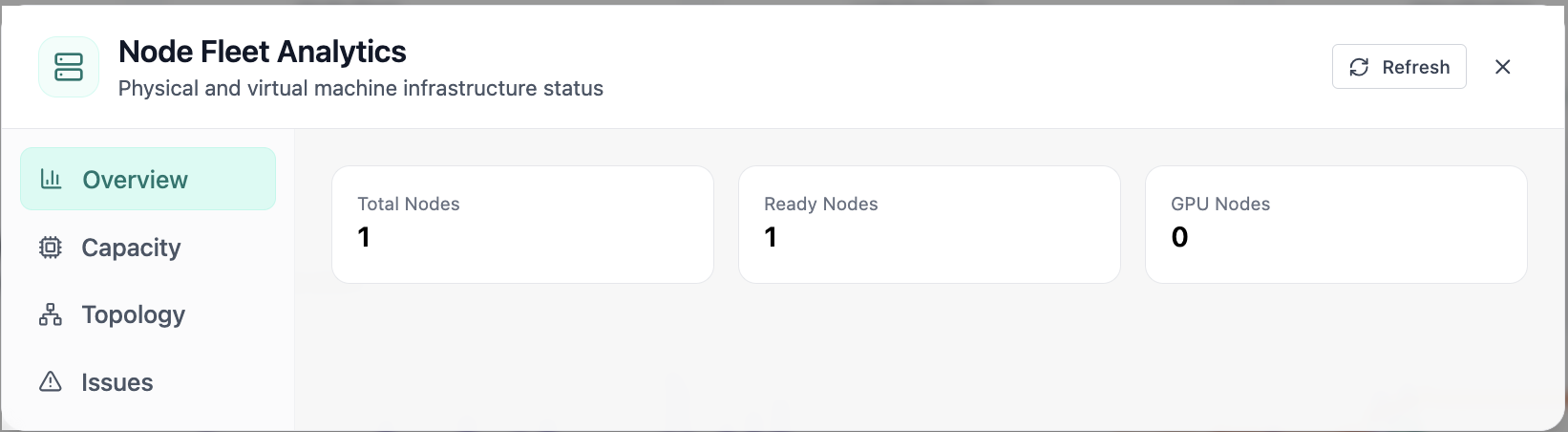
In Node Fleet, the Overview view answers one operational question at a time, node fleet analytics with ready and gpu node counts. Part of compute engine; use it when you need evidence before changing limits, scaling, or opening a ticket.
Click the screenshot to open full size, zoom, and pan.
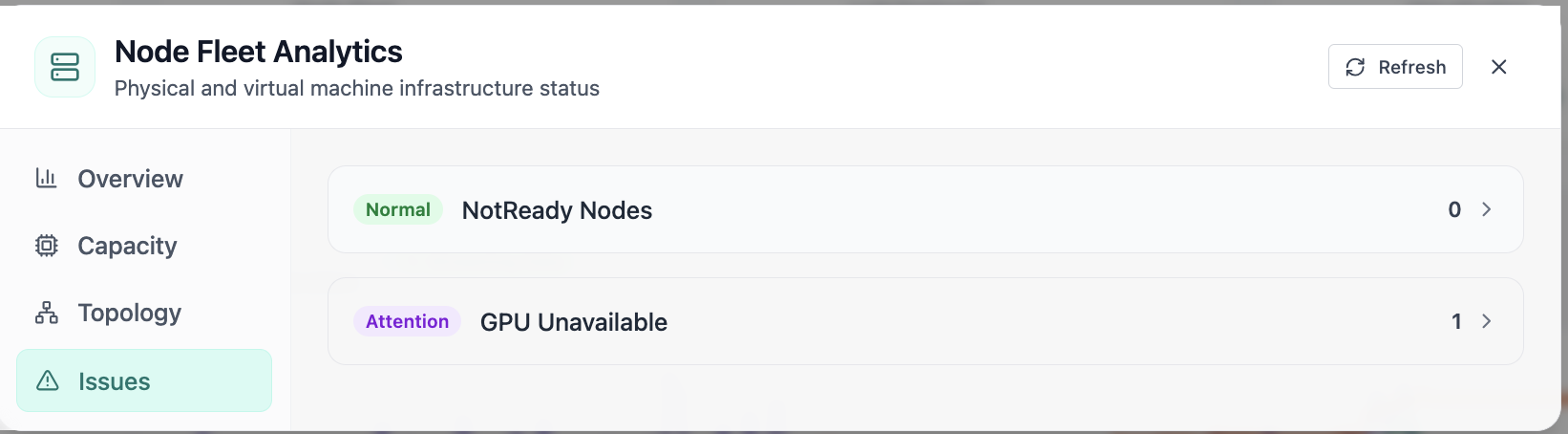
In Node Fleet, the Issues view answers one operational question at a time, node fleet issues including notready and gpu availability. Part of compute engine; use it when you need evidence before changing limits, scaling, or opening a ticket.
Click the screenshot to open full size, zoom, and pan.
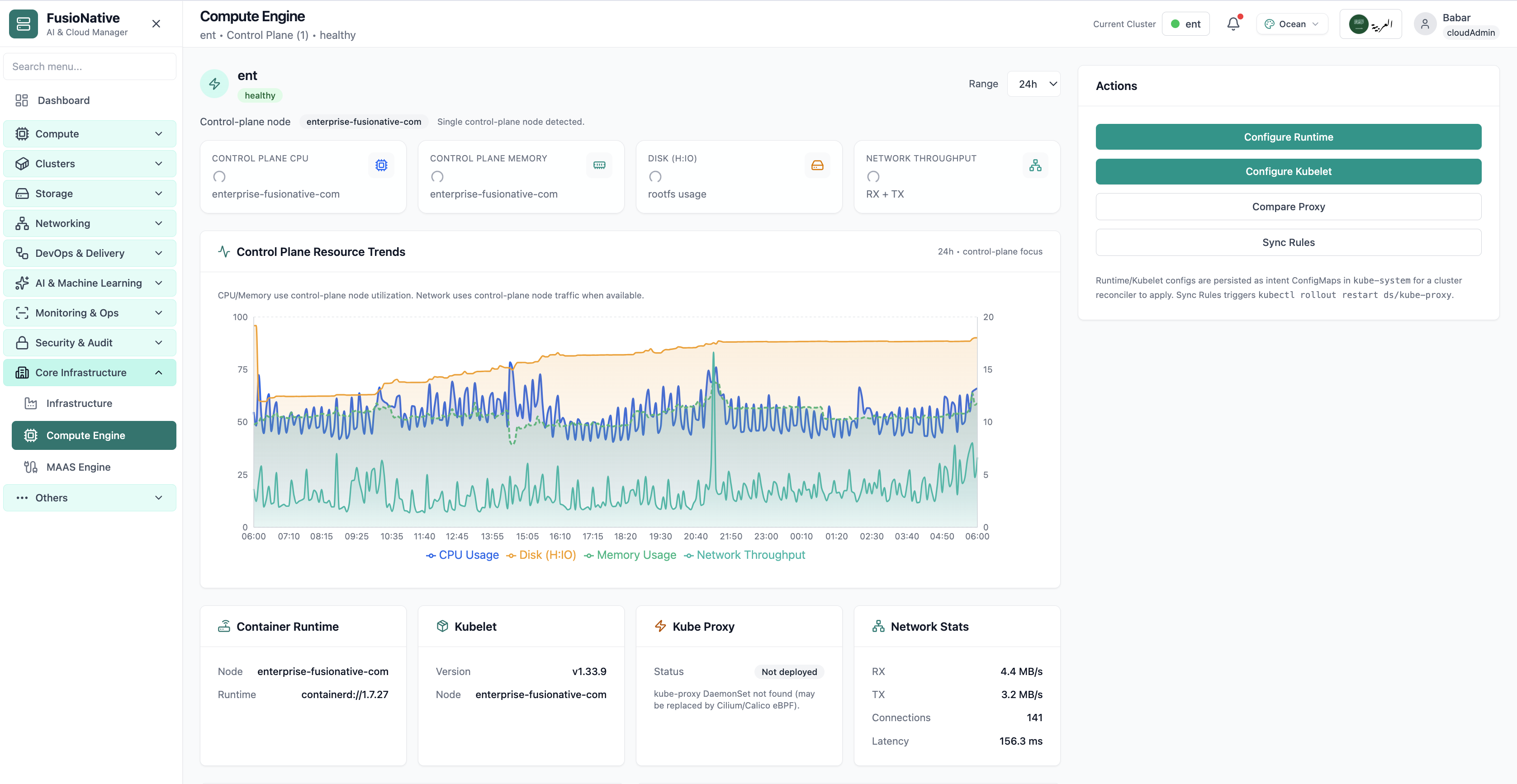
Compute Engine control-plane metrics and kubelet status.
Click the screenshot to open full size, zoom, and pan.
Compute Engine bridges live telemetry with reconciler-ready Intent ConfigMaps. Operators edit purposefully, automation applies consistently, and dashboards stay trustworthy.
Executives read KPI badges while engineers validate kubelet semver against change records.
Explicit kube-proxy deployment notes stop witch hunts when Service routing shifts to eBPF.
Sync Rules couples kubectl rollouts to intent updates, bridges see causality, not mystery reboots.
Core infrastructure
Under Core Infrastructure → MAAS Engine, Cloud Admin wraps Canonical MAAS capabilities: pick a region site, refresh/test APIs, sync inventory, then dive across Dashboard · Hardware · KVM · Organization · Configuration · Networking · Settings · Workflows · Onboarding tabs. Each anchored by live counts for machines, readiness, failures, and aggregated CPU/RAM/storage.
Screens from the live product, with a short note on when you would open each view.
MAAS engine and bare-metal provisioning in infrastructure management.
Click the screenshot to open full size, zoom, and pan.
MAAS Engine gives hybrid teams one pane for bare metal, FusioNative overlays enterprise navigation so networking, storage, and Kubernetes operators agree which machines are real before automation spends credits.
Commissioning vs Ready vs Deployed tells executives where CAPEX sits idle.
Dedicated Workflows & Onboarding tabs tie MAAS automation back to Infrastructure Management triggers.
Aggregated CPU/RAM/storage converts rack chatter into planning numbers GPU teams recognize.